


















Top 10 AI Coding IDE to Build Better Software
Explore modern AI powered coding environments that increase productivity, reduce repetitive work, and help developers build software with confidence daily.
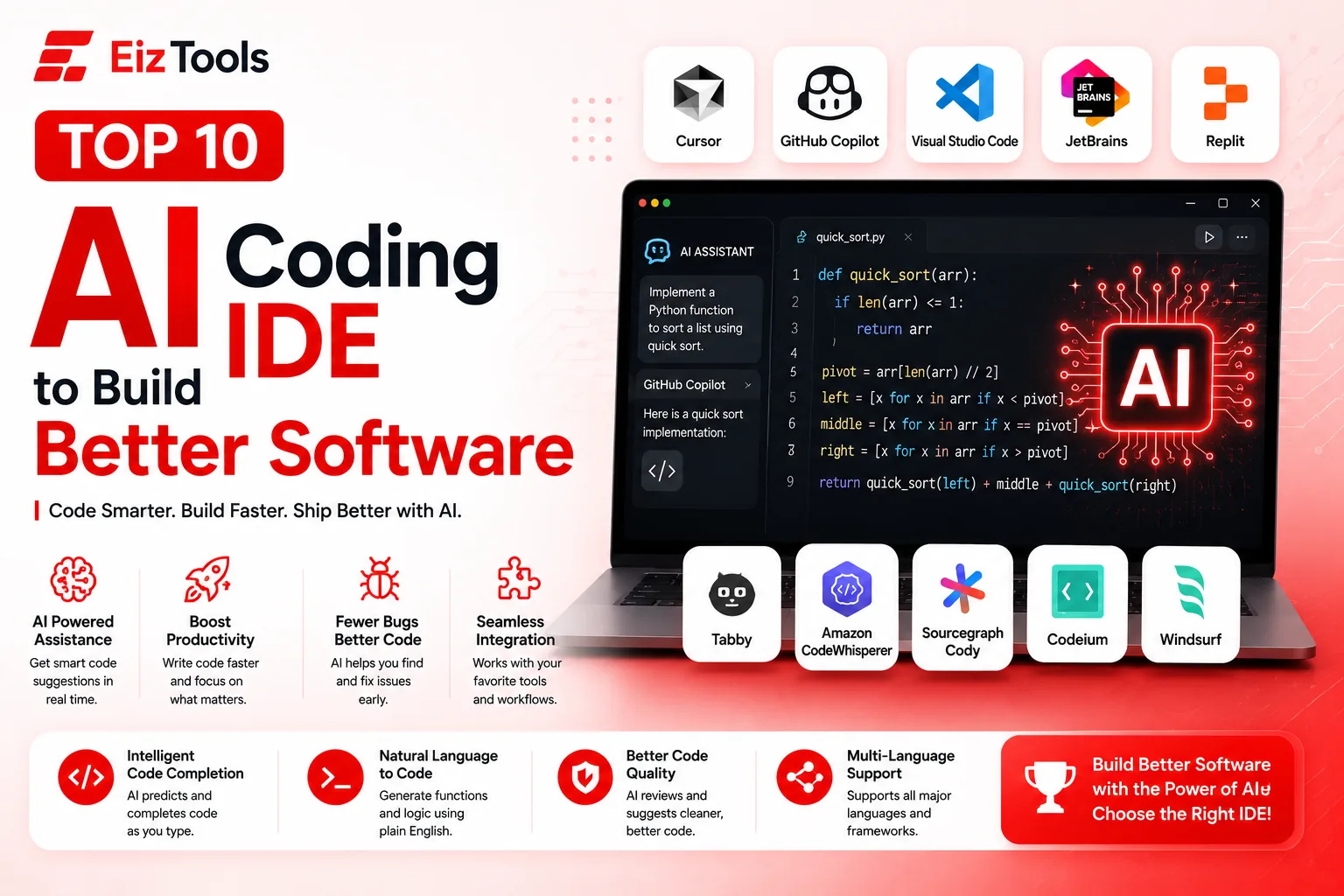
Are you looking for the best AI Coding IDE to write cleaner code, reduce debugging time, and build software faster? Wondering which AI powered development environment is worth using in 2026? With dozens of coding assistants available today, choosing the right one can feel overwhelming.
This guide answers those questions by comparing the Top 10 AI Coding IDE to Build Better Software. Whether you are a beginner learning programming, a freelance developer, or part of a professional software team, these tools can help you generate code, explain complex logic, fix bugs, write tests, and improve productivity.
At EizTools, we regularly research modern developer tools to help you work smarter. In this article, you'll discover the strengths, weaknesses, pricing, and ideal use cases of today's leading AI development environments.
What Is an AI Coding IDE?
An AI Coding IDE is an integrated development environment enhanced with artificial intelligence. Instead of simply providing a text editor, it understands your codebase, predicts your next lines of code, suggests improvements, explains unfamiliar code, generates documentation, and even fixes errors automatically.
Modern AI Coding IDE platforms combine large language models with advanced code indexing, project awareness, and developer workflows to significantly improve software development efficiency.
Most AI Coding IDE platforms now support:
- AI code generation
- Code completion
- Bug detection and fixes
- Test generation
- Documentation writing
- Code explanation
- Refactoring suggestions
- Terminal assistance
- Git integration
- Multi language programming support
Why Use an AI Coding IDE?
The best AI Coding IDE solutions save developers hours every week by automating repetitive tasks while improving code quality.
- Write code much faster
- Reduce syntax and logical errors
- Understand unfamiliar codebases quickly
- Generate documentation automatically
- Create unit tests with minimal effort
- Refactor legacy projects confidently
- Improve collaboration across teams
- Learn new programming languages faster
Top 10 AI Coding IDE Comparison
| Rank | AI Coding IDE | Best For | AI Features | Free Plan |
|---|---|---|---|---|
| 1 | Cursor | Professional AI development | Project aware coding | Yes |
| 2 | GitHub Copilot | Daily coding | AI autocomplete | Limited |
| 3 | Visual Studio Code | Flexible extensions | Supports multiple AI plugins | Yes |
| 4 | JetBrains IDEs | Enterprise projects | Built in AI Assistant | Trial |
| 5 | Replit | Cloud development | AI coding assistant | Yes |
| 6 | Windsurf | Agent based coding | Context aware AI | Yes |
| 7 | Codeium | Free AI coding | Autocomplete and chat | Yes |
| 8 | Sourcegraph Cody | Large repositories | Codebase search | Yes |
| 9 | Amazon CodeWhisperer | AWS developers | Secure code generation | Yes |
| 10 | Tabby | Self hosted AI | Open source assistant | Yes |
1. Cursor AI Coding IDE
Cursor has quickly become one of the most recommended AI Coding IDE platforms among professional developers. Built on a familiar Visual Studio Code experience, Cursor introduces advanced AI capabilities that understand your entire project rather than just the current file.
Unlike traditional autocomplete tools, Cursor can explain existing code, rewrite functions, generate complete features, fix bugs, and even edit multiple files from natural language instructions.
Key Features
- Project wide code understanding
- Natural language editing
- Multi file refactoring
- AI chat inside the editor
- Fast intelligent autocomplete
- Supports multiple AI models
- Works with popular programming languages
Pros
- Excellent coding accuracy
- Fast responses
- Very intuitive interface
- Great for large projects
Cons
- Premium features require a subscription
- Requires internet access for most AI functions
Best For: Professional software developers, startups, and engineering teams building production applications.
2. GitHub Copilot
GitHub Copilot remains one of the most widely adopted AI coding assistants in the software industry. Developed through a collaboration between GitHub and OpenAI, it integrates seamlessly into popular editors and provides real time code suggestions while you type.
Copilot understands comments, function names, and surrounding context to generate meaningful code snippets across dozens of programming languages.
Key Features
- Smart code completion
- Inline AI suggestions
- Code explanation
- Chat based development
- Pull request assistance
- Documentation generation
Pros
- Excellent language support
- Reliable suggestions
- Easy integration
- Ideal for everyday development
Cons
- Subscription required for full access
- Occasionally suggests outdated patterns
Best For: Developers already using GitHub workflows and modern development environments.
3. Visual Studio Code
Visual Studio Code continues to be one of the world's most popular code editors and becomes an incredibly capable AI Coding IDE when paired with extensions like GitHub Copilot, Continue, Codeium, or other AI assistants.
Its massive extension marketplace allows developers to build a customized workflow for nearly every programming language and framework.
Key Features
- Huge extension ecosystem
- Integrated terminal
- Built in debugging
- Git support
- AI extension compatibility
- Cross platform availability
Pros
- Completely free
- Highly customizable
- Excellent community support
- Works for nearly every language
Cons
- AI capabilities depend on installed extensions
- Large setups can become resource intensive
Best For: Developers who want flexibility and complete control over their development environment.
4. JetBrains IDEs
JetBrains has built a reputation for powerful professional IDEs, including IntelliJ IDEA, PyCharm, WebStorm, PhpStorm, Rider, and GoLand. Its AI Assistant enhances these development environments with intelligent coding support while preserving the advanced features developers already trust.
The AI assistant integrates directly into the workflow, helping with code generation, explanations, debugging, documentation, and project navigation.
Key Features
- Built in AI assistant
- Advanced refactoring tools
- Intelligent debugging
- Framework awareness
- Code inspections
- Strong enterprise support
Pros
- Outstanding developer experience
- Professional grade features
- Excellent language specific IDEs
- Powerful project navigation
Cons
- Commercial licensing for most products
- Requires more system resources than lightweight editors
Best For: Enterprise software development, large applications, and experienced programmers working with complex codebases.
In the next section, we'll explore Replit, Windsurf, Codeium, Sourcegraph Cody, Amazon CodeWhisperer, and Tabby, along with practical recommendations for choosing the best AI Coding IDE for your workflow.
Explore more developer resources and productivity guides on EizTools Blog.
5. Replit
Replit has evolved from a browser based code editor into a complete cloud development platform powered by AI. It allows developers to write, run, debug, and deploy applications directly from the browser without installing software. Its integrated AI assistant helps generate code, explain errors, and build projects from simple prompts.
For beginners, Replit removes the complexity of local environment setup. For professionals, it enables rapid prototyping and collaborative development from virtually any device.
Key Features
- Cloud based development environment
- Built in AI coding assistant
- Instant project deployment
- Real time collaboration
- Integrated package management
- Supports dozens of programming languages
- Browser based terminal
Pros
- No installation required
- Excellent for learning programming
- Simple project sharing
- Fast prototyping workflow
Cons
- Large enterprise projects are better suited to desktop IDEs
- Advanced features require paid plans
Best For: Students, educators, freelancers, startups, and developers who prefer cloud based development.
6. Windsurf
Windsurf has become one of the fastest growing AI Coding IDE platforms because of its intelligent agent based workflow. Instead of only completing code, Windsurf understands development tasks, edits multiple files, explains project architecture, and assists throughout the entire software development lifecycle.
Its context aware AI can analyze large repositories, making it particularly useful for modern web applications and collaborative engineering teams.
Key Features
- AI agent workflow
- Context aware project understanding
- Multi file editing
- Smart debugging assistance
- Natural language coding
- Integrated chat assistant
Pros
- Very modern user experience
- Excellent project awareness
- Strong productivity improvements
- Easy transition from traditional editors
Cons
- Still evolving rapidly
- Some premium capabilities require subscriptions
Best For: Professional developers building modern web applications and software products.
7. Codeium
Codeium is one of the most popular free AI Coding IDE assistants available today. It provides intelligent code completion, AI chat, search capabilities, and code generation while supporting numerous programming languages and development environments.
Many developers choose Codeium because it offers generous free features without sacrificing coding quality, making it an attractive alternative to premium coding assistants.
Key Features
- Fast AI autocomplete
- Code generation
- AI chat assistant
- Large language support
- IDE integrations
- Context aware suggestions
Pros
- Excellent free plan
- Fast response speed
- Supports many editors
- Simple installation process
Cons
- Enterprise features are paid
- Project understanding is not as deep as some competitors
Best For: Developers looking for a capable AI assistant without a large monthly subscription.
8. Sourcegraph Cody
Sourcegraph Cody is designed for developers working with massive repositories and enterprise scale applications. Instead of focusing only on code completion, Cody excels at understanding entire codebases, searching project history, and explaining relationships between files.
This makes it especially valuable for large engineering organizations maintaining millions of lines of production code.
Key Features
- Large repository analysis
- Semantic code search
- Project wide AI chat
- Code explanation
- Documentation assistance
- Repository navigation
Pros
- Excellent for enterprise teams
- Powerful search capabilities
- Deep understanding of codebases
- Improves developer onboarding
Cons
- May be excessive for small personal projects
- Requires repository indexing for best performance
Best For: Large software companies managing complex repositories.
9. Amazon CodeWhisperer
Amazon CodeWhisperer is an AI coding assistant built with security and cloud development in mind. It integrates well with AWS services and helps developers generate secure code while identifying potential vulnerabilities.
Organizations already building applications on Amazon Web Services often benefit from its optimized recommendations and cloud focused workflows.
Key Features
- AI code generation
- Security scanning
- AWS optimized recommendations
- Multiple programming language support
- IDE integration
- Reference tracking
Pros
- Strong cloud integration
- Built in security analysis
- Reliable code suggestions
- Good enterprise support
Cons
- Most beneficial for AWS users
- Less versatile outside cloud focused workflows
Best For: Cloud developers, DevOps engineers, and organizations using AWS infrastructure.
10. Tabby
Tabby is an open source AI Coding IDE assistant that gives developers complete control over their coding environment. Unlike many cloud based services, Tabby can be self hosted, making it attractive for organizations with strict privacy or security requirements.
Its flexibility allows companies to deploy AI assisted coding internally while keeping proprietary source code within their own infrastructure.
Key Features
- Open source platform
- Self hosted deployment
- AI code completion
- Enterprise privacy
- Custom model integration
- Multi language support
Pros
- Full ownership of infrastructure
- Strong privacy controls
- Customizable deployment
- No vendor lock in
Cons
- Requires technical setup
- Not as beginner friendly as cloud alternatives
Best For: Enterprises, privacy focused organizations, and developers wanting complete control over AI infrastructure.
Quick Comparison of the Best AI Coding IDE Platforms
| Tool | Ideal User | Major Strength | Deployment |
|---|---|---|---|
| Cursor | Professional developers | Project aware AI | Desktop |
| GitHub Copilot | Everyday coding | Code completion | Extension |
| Visual Studio Code | All developers | Customization | Desktop |
| JetBrains | Enterprise teams | Professional IDE features | Desktop |
| Replit | Students and startups | Cloud development | Browser |
| Windsurf | Modern developers | AI agents | Desktop |
| Codeium | Budget conscious users | Free AI assistance | Extension |
| Sourcegraph Cody | Large organizations | Repository intelligence | Cloud and Desktop |
| Amazon CodeWhisperer | AWS developers | Cloud security | Extension |
| Tabby | Privacy focused teams | Self hosted AI | Self Hosted |
How to Choose the Right AI Coding IDE
Choosing the right AI Coding IDE depends on your workflow, programming languages, team size, and development environment. Consider the following factors before making your decision.
- Programming language compatibility
- Project size and complexity
- AI code generation quality
- Context awareness across files
- Security and privacy requirements
- Cloud versus desktop workflow
- Budget and subscription costs
- Third party integrations
- Performance and reliability
The final part of this guide covers the bonus trending tool Claude Code, answers common questions, and helps you decide which AI Coding IDE is the best overall choice for your development workflow.
Bonus: Claude Code – The Most Popular and Trending AI Coding IDE
Although Claude Code is not a traditional integrated development environment, it has become one of the most talked about AI coding tools among professional developers. Built around Anthropic's Claude models, Claude Code works as an intelligent coding agent that can understand entire projects, execute development tasks, explain code, refactor applications, write tests, and help developers solve complex programming problems through natural conversations.
Many software engineers now use Claude Code alongside editors such as Cursor, Visual Studio Code, and JetBrains IDEs because of its exceptional reasoning abilities and strong performance on large codebases.
Key Features
- Advanced reasoning for software development
- Large project understanding
- Code generation and refactoring
- Bug analysis and debugging assistance
- Documentation generation
- Test case creation
- Natural language development workflow
Pros
- Outstanding coding accuracy
- Excellent at understanding large repositories
- Produces well structured code
- Very capable for architectural discussions
Cons
- Works best alongside an IDE rather than replacing one completely
- Some advanced capabilities require a paid subscription
Best For: Experienced developers, engineering teams, and anyone building medium to large software projects.
Which AI Coding IDE Is Best?
There is no single AI Coding IDE that is perfect for everyone. The right choice depends on your workflow, programming language, budget, and development requirements.
| Use Case | Recommended Tool |
|---|---|
| Overall Best AI Coding IDE | Cursor |
| Best for Beginners | Replit |
| Best Free Option | Codeium |
| Best Enterprise IDE | JetBrains |
| Best Cloud Development | Replit |
| Best AWS Development | Amazon CodeWhisperer |
| Best Large Repository Assistant | Sourcegraph Cody |
| Best Open Source Solution | Tabby |
| Most Trending AI Coding Tool | Claude Code |
Tips for Getting the Most from an AI Coding IDE
- Write clear prompts describing exactly what you want to build.
- Review generated code before deploying it to production.
- Use AI to explain unfamiliar libraries and frameworks.
- Generate unit tests for important business logic.
- Ask the AI to optimize performance after implementing features.
- Combine AI suggestions with code reviews from your team.
- Keep dependencies updated to improve compatibility with AI generated code.
- Continue learning programming fundamentals instead of relying entirely on automation.
Not Every Task Needs a New Editor
An AI-native IDE is a real commitment, and plenty of the work these tools advertise is a one-off. When you just need a query written from a description, the SQL Generator does it in a browser tab, and the Error Fixer explains a traceback without you installing anything. Worth knowing before you migrate a whole workflow to a new editor.
Frequently Asked Questions
What is the best AI Coding IDE in 2026?
Cursor is widely considered one of the best AI Coding IDE platforms because of its project aware AI, natural language editing, and excellent developer experience.
Are AI Coding IDE tools suitable for beginners?
Yes. Platforms such as Replit, Visual Studio Code, and Codeium are beginner friendly and help users learn programming faster through intelligent suggestions and explanations.
Can AI Coding IDE software replace developers?
No. These tools improve productivity by automating repetitive work, but developers are still responsible for software architecture, security, testing, business logic, and final code quality.
Which AI Coding IDE offers the best free plan?
Codeium, Visual Studio Code with AI extensions, Replit, and Tabby provide excellent free options for individual developers.
Is Claude Code an IDE?
Claude Code is better described as an AI coding agent rather than a standalone IDE. Many developers pair it with Cursor, Visual Studio Code, or JetBrains to create a highly productive development workflow.
Which AI Coding IDE is best for enterprise software?
JetBrains IDEs, Cursor, and Sourcegraph Cody are excellent choices for enterprise development because they provide strong project navigation, code intelligence, and collaboration features.
Final Thoughts on the Top 10 AI Coding IDE to Build Better Software
The rapid evolution of artificial intelligence has transformed modern software development. Today's best AI Coding IDE platforms help developers write cleaner code, identify bugs earlier, understand large codebases, and deliver applications more efficiently than ever before.
If you want the best overall experience, Cursor remains an outstanding choice. Developers looking for cloud based collaboration will appreciate Replit, while JetBrains continues to dominate enterprise development. Codeium offers impressive value for users seeking a capable free assistant, and Claude Code has quickly become one of the most influential AI coding tools for tackling complex programming challenges.
Ultimately, the ideal solution depends on your workflow, but adopting an AI Coding IDE can significantly improve productivity, code quality, and development speed.
Thank you for reading this guide from EizTools. We hope it helps you choose the right AI coding solution for your next project.
To stay updated with the latest AI tools, developer resources, software guides, productivity tips, and technology news, join the EizTools community. Follow us on our social media channels, enable push notifications, and subscribe to our newsletter so you never miss future updates, tutorials, and expert recommendations.

Sabir Bepari
Founder of EizTools and a passionate AI enthusiast dedicated to building practical, user-friendly AI tools that simplify everyday tasks.
Join the Newsletter
Get the best new AI tools and tips delivered to your inbox. No spam.
By subscribing you agree to receive emails from EizTools. Unsubscribe anytime.
Follow EizTools
New AI tools, practical tips and product updates — straight to your feed.
Discussion 0
Join the conversation — share your thoughts, ask questions, help others.
No comments yet. Be the first to share your thoughts!

