


















Task Assistant
AI planner for busy days
 gpt-4o-mini


Your prompt will appear here…
Your beautifully formatted article will appear here once you generate.
No history yet
Your generations will appear here. Sign in to save them permanently.
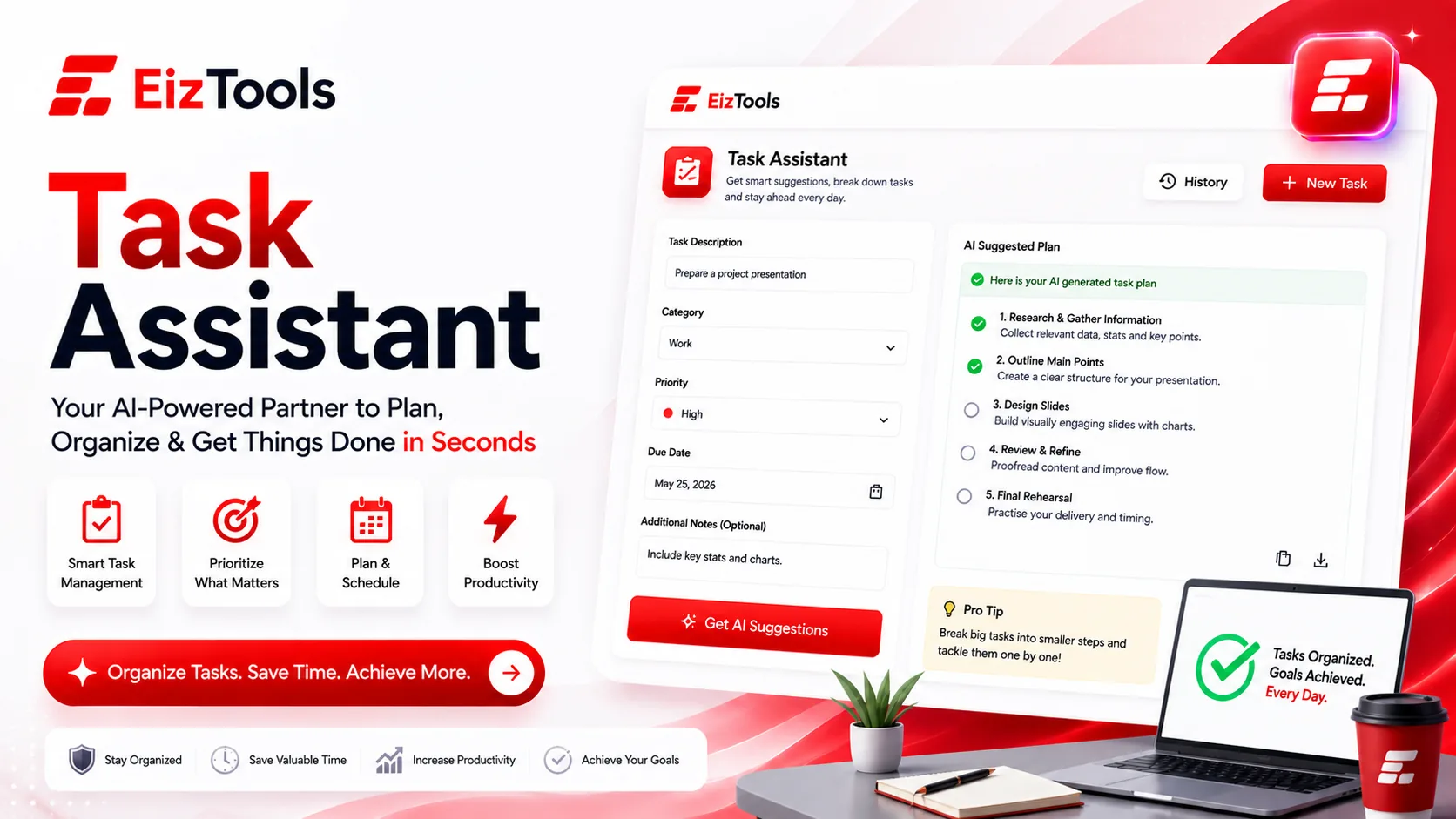
How many things are you supposed to be doing right now? Are they written down, or spread across an inbox, a notebook, two chat threads and the back of your head? Most productivity problems are not motivation problems. They are the mess between a conversation and a list you can actually work from.
Short answer: Task Assistant is a free EizTools tool that turns messy notes, emails or meeting transcripts into an organised task list, with subtasks, effort estimates, due dates and blockers flagged.
What is Task Assistant?
The Task Assistant reads unstructured input and returns structured tasks. Paste an email thread, your notes from a call or a paragraph of everything on your mind, and it extracts the actions, sorts them, and puts them in a form you can work through.
It is not a to do app. It does not sync or remind you. It does the part apps are bad at, which is turning "we should probably sort out the onboarding thing before the client call" into two tasks with an owner and an order.
How Does Task Assistant Work?
- Paste your notes, email, transcript or brain dump into the prompt box.
- Pick a model from the selector.
- Set the task source, status, due date mode and sorting in the advanced options.
- Switch on subtasks, effort estimates or blocker flags if you want them.
- Generate. The list appears in the output card, ready to copy into your tracker.
- Download it as TXT, Word or HTML, or reopen an earlier list from the activity history.
The Task Source option tells it what it is reading. Set it to Meeting for a transcript, Email for a thread, or Notes for a brain dump, and the extraction gets noticeably sharper because it knows where the actions usually hide.
Settings And What They Do
| Option | What it changes | Suggested start |
|---|---|---|
| Due Date Mode | Strict, Suggested, Flexible, ASAP, By Priority, Recurring or none at all | Suggested. Real deadlines you set yourself, dates the tool proposes |
| Sorting | Priority, due date, project, status, effort, category or alphabetical | Priority for a working list, Project when you are planning a week |
| Task Status | The state each item starts in, from To do through Blocked and Review | To do, unless you are cleaning up a list already in progress |
| Break into subtasks | Splits large items into steps | On. Vague large tasks are the ones that never get started |
Estimate effort and Flag blockers are the two switches worth leaving on. Effort estimates stop you planning six deep work tasks into one afternoon, and flagged blockers surface the thing you are waiting on before it costs you a day.
Tip Paste the raw meeting notes, not your tidy summary of them. Half the actions in a meeting are implied rather than stated, and they survive in the messy version while your summary quietly drops them.
Who Uses It
Anyone running meetings
Turn the transcript into actions before everyone forgets what they agreed to.
Inbox heavy roles
Extract what you actually owe people from a thread that grew to forty messages.
Solo operators
Freelancers and small business owners with no project manager to do the sorting.
EizTools is a free AI tools platform with productivity tools that turn raw input into something usable. Free to use, no account, no quota, and you can swap AI models between generations. When the input is a long document rather than notes, run it through the Text Summarizer first and hand the summary to this tool.
Frequently Asked Questions
Is Task Assistant free?
Yes. No account, no credits, no daily limit. Process as many lists as you need.
Does it sync with my project management app?
No. It produces a list you copy or download. That keeps it useful whatever tracker you use, from a spreadsheet to a full project tool.
Will it set real deadlines?
It suggests dates based on what you gave it. Real deadlines are yours to set, so review any date before you commit to it.
What if my notes are a mess?
That is the intended input. Half sentences, abbreviations and jumbled order are all fine, and cleaning them up first is the work you are trying to avoid.
Can it handle a long transcript?
Yes, though very long meetings work better in sections. Split by agenda item and run each part, so nothing gets summarised into oblivion.
The gap between agreeing to something and having it written down as a real task is where most work quietly disappears. Closing that gap takes about a minute here, and it is the difference between a meeting that produced actions and one that produced a feeling of progress. Paste your notes above and see what you had actually committed to.

Sabir Bepari
Founder of EizTools and a passionate AI enthusiast dedicated to building practical, user-friendly AI tools that simplify everyday tasks.
Follow EizTools
New AI tools, practical tips and product updates — straight to your feed.

