


















Content Rewriter
Sharper drafts, same meaning
 gpt-4o-mini


Your prompt will appear here…
Your beautifully formatted article will appear here once you generate.
No history yet
Your generations will appear here. Sign in to save them permanently.
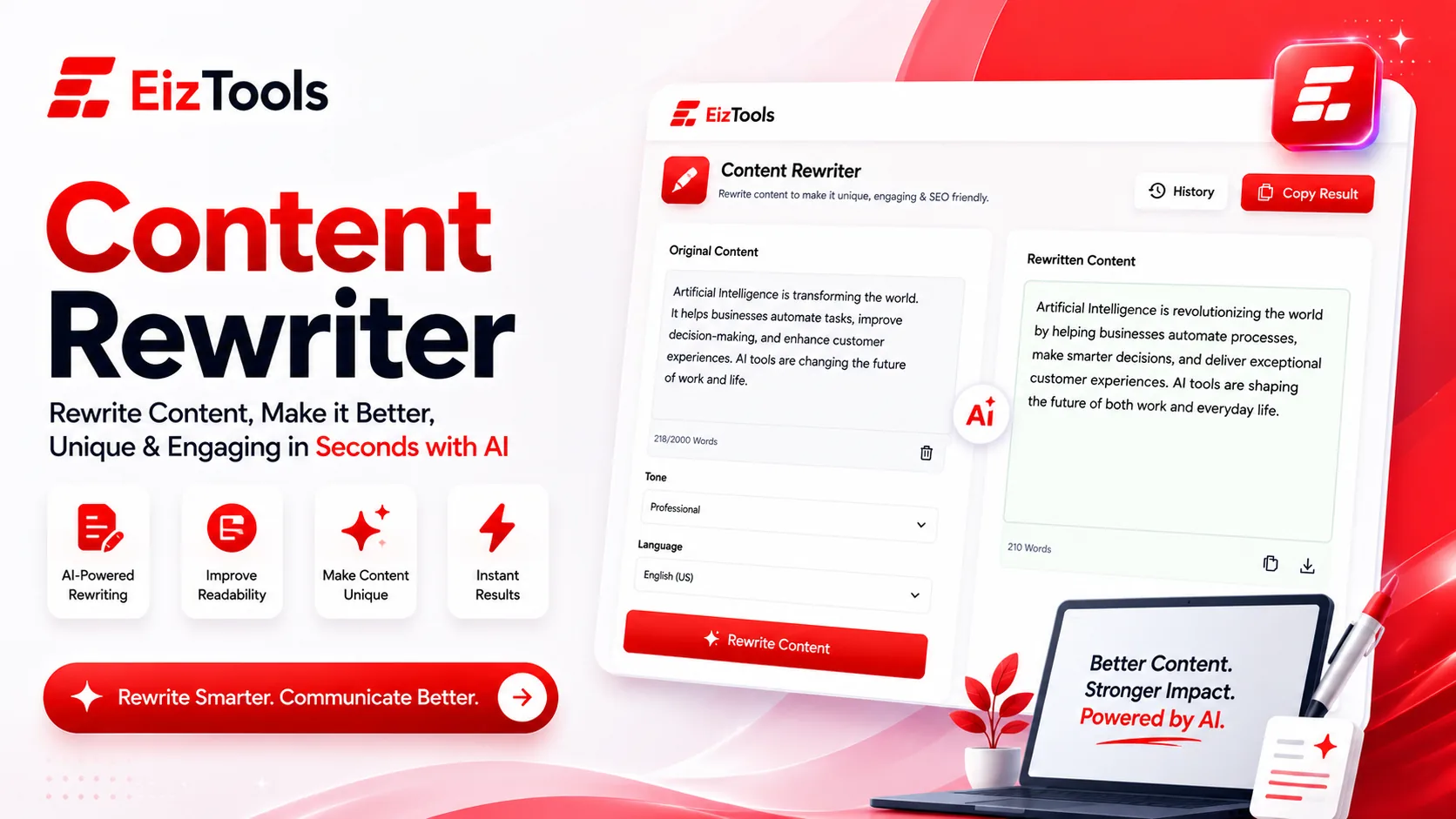
Have you ever had a paragraph that says the right thing but reads badly, and no amount of nudging fixes it? Do you need the same page in two voices, one for a client and one for a landing page? Rewriting your own words is oddly harder than writing them, because you already know what you meant.
Short answer: Content Rewriter is a free EizTools tool that rewrites text you paste in. Six modes cover paraphrasing, simplifying, formalising, shortening, expanding and humanising, with tone and reading level set separately.
What is Content Rewriter?
The Content Rewriter takes text you already have and returns it rewritten to a specification you choose. Not a synonym swapper, which is what most rewriting tools do and why their output reads oddly. You choose what kind of change you want first, and the rest of the options refine it.
That first choice is the Rewrite Mode, and it is the difference between a useful rewrite and a shuffled sentence.
Six Rewrite Modes
| Mode | Use it when |
|---|---|
| Paraphrase | The meaning is right but the phrasing is borrowed or clumsy |
| Simplify | A specialist wrote it and a customer has to read it |
| Formalize | Notes or chat messages need to become a document |
| Shorten | You are over a character limit, or the paragraph repeats itself |
| Expand | A point is asserted but never explained |
| Humanize | The text reads as generated and needs a natural rhythm |
How Does Content Rewriter Work?
- Paste the text you want changed into the prompt box.
- Pick a model from the selector.
- Open the advanced options, choose the rewrite mode, then set tone, content type and reading level.
- Generate. The rewrite appears in the output card with a word count so you can see if it grew or shrank.
- Copy it, download it as TXT, Word or HTML, or send it back through with a different mode.
- Compare versions from the activity history before you commit to one.
Running two modes in sequence is where it gets good. Shorten first, then Humanize, and you get tight text that still sounds like a person. Doing it the other way round usually undoes the tightening.
Switches Worth Knowing
Below the four dropdowns sits a long row of toggles, and they are more useful than they look:
- Preserve Original Keywords matters on anything written for search. Without it, a rewrite can quietly remove the term the page ranks for.
- Preserve Headings keeps the structure intact when you are rewriting a whole article rather than a paragraph.
- Maintain Original Meaning is the guard rail for factual text. Leave it on for anything with a claim in it.
- Remove Filler Words and Remove Redundancy do most of the tightening work on business writing.
- Avoid Passive Voice is the quickest fix for text that sounds evasive.
Reading Level runs from Grade 5 to Expert, and Sentence Structure decides whether you get short sentences, long ones or a mix. Two sliders set creativity and formality when you want finer control.
Caution Rewriting someone else's article does not make it yours. Use this on your own drafts, your notes, or text you have the right to publish. A rewritten copy of a competitor's page is still their page.
Where It Saves Real Time
One message, three audiences
Rewrite the same update for the team, the client and the public without writing it three times.
Fitting a limit
Shorten mode is faster than cutting by hand when you are 40 words over a hard limit.
Unsticking a paragraph
When a section will not come right, a rewrite gives you a different angle to edit from.
EizTools is a free AI tools platform, with a purpose built tool for each writing job instead of one general assistant. Free to use, no registration, and the AI model is switchable per generation. Drafting from scratch instead of rewriting? The Blog Writer produces the structured first draft, and this tool tightens it afterwards.
Frequently Asked Questions
Is Content Rewriter free?
Yes. No sign up, no credit counter, no daily limit. Rewrite as much text as you need and download every version.
Will the rewrite keep my meaning?
With Maintain Original Meaning switched on, yes in most cases. Always read factual text afterwards, because a rewrite can soften a claim you needed to be precise.
Can it make AI text sound human?
The Humanize mode is built for that, and it helps most when combined with a lower formality setting. Adding one specific detail of your own does more than any switch.
Does it work on long articles?
Yes, though a paragraph at a time gives you more control. Turn Preserve Headings on when you paste a whole piece so the structure survives.
Can I choose how simple the result is?
Yes. Reading Level goes from Grade 5 to Expert. Grade 8 is a safe target for general web writing, and Professional suits internal documents.
Most writing problems are not blank page problems. They are almost right paragraph problems, and those are far quicker to fix with a second version in front of you than by staring at the first. Paste your paragraph above, pick a mode, and see what the alternative looks like.

Sabir Bepari
Founder of EizTools and a passionate AI enthusiast dedicated to building practical, user-friendly AI tools that simplify everyday tasks.
Follow EizTools
New AI tools, practical tips and product updates — straight to your feed.

