


















Blog Writer
AI drafts for busy bloggers
 gpt-4o-mini


Your article title will appear here…
Your beautifully formatted article will appear here once you generate.
No history yet
Your generations will appear here. Sign in to save them permanently.
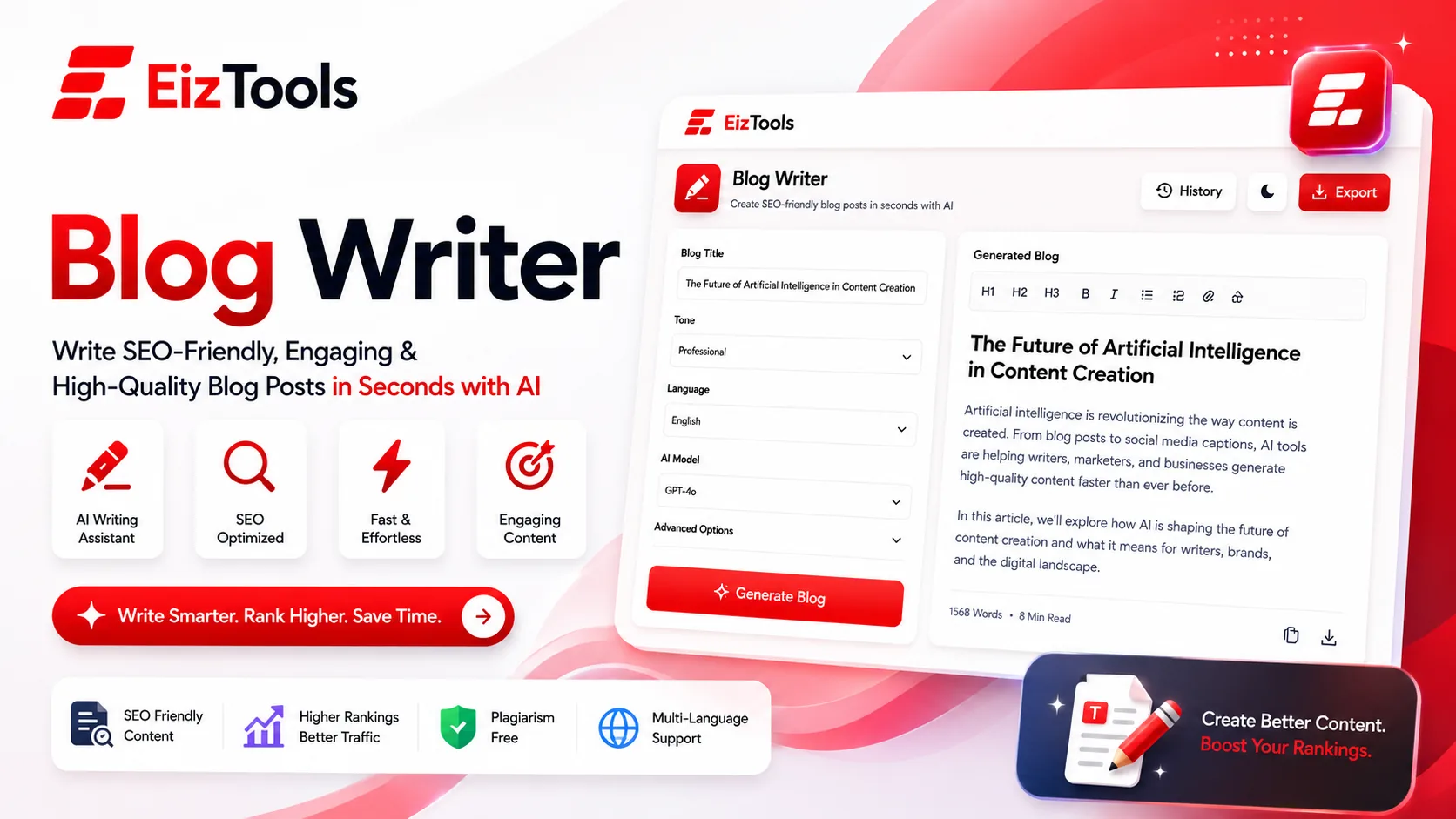
How many blog posts have you started and never finished? Does the outline look fine right up until you try to write the second paragraph under it? Most people do not run out of ideas. They run out of the two uninterrupted hours it takes to turn an idea into a structured piece with an intro, headings, examples and a close.
Short answer: Blog Writer is a free EizTools tool that turns a topic into a complete, structured article. You set the audience, the goal, the style and the length, then generate a full draft with headings you can edit.
What is Blog Writer?
The Blog Writer is a dedicated drafting workspace, not a chat window. You give it a topic and a focus keyword, tell it who is reading and why, and it returns a full post: introduction, headings, body sections, and a conclusion in the style you chose.
The point is not to publish whatever comes out. The point is that editing a complete draft is a far smaller job than facing an empty page, and it takes minutes instead of an afternoon.
How Does Blog Writer Work?
- Write your topic, blog idea or content request in the prompt box.
- Pick a model from the selector. Longer posts benefit from the larger models.
- Open the advanced options and set the audience, goal, style and article length.
- Press Generate and watch the draft appear in the output card, with a live word count and reading time.
- Copy it, download it as TXT, Word or HTML, or send it back into the prompt box to run a second pass.
- Open any recent draft again from the activity history under the result.
The second pass is where the quality shows up. Generate once for structure, then regenerate the sections you did not like with a sharper topic line.
Settings That Decide How The Draft Reads
| Option | What it controls | Where to start |
|---|---|---|
| Target Audience | Vocabulary and how much gets explained, from Beginners to Developers | Beginners, unless you are certain the reader already knows the field |
| Content Goal | The job of the post, across Informational, Tutorial, Comparison, Listicle and more | Informational for a first draft, Tutorial when the reader needs steps |
| Writing Style | Voice, from Storytelling and Journalistic to Technical and SEO Optimized | Simplified. It is the easiest style to edit into your own voice |
| Article Length | Short at 600 words, Medium at 600 to 1500, Long at 1500 to 2500 | Medium. Long drafts repeat themselves unless the topic is genuinely deep |
Below those sit Heading Style, Number of Headings, Intro Style and Conclusion Style, plus switches for bullet points, tables, quotes, an FAQ section, humanised phrasing and fact checking. The Main Topic and Secondary Keywords fields are what keep a long draft from drifting off subject.
What It Does Well And Where You Still Do The Work
What works well
- Structure. Headings arrive in a sensible order with nothing missing.
- Speed. A full draft in the time it takes to make coffee.
- Unsticking. A weak first draft is still easier to fix than a blank page.
What to watch for
- Facts. Anything with a date, price or statistic needs checking against a source.
- Examples. Generic examples are the giveaway. Replace them with your own.
- Opinion. The draft has no experience to draw on. Your take has to be added.
Tip Put your real angle into the prompt, not just the topic. "Email marketing" gives you a textbook. "Why our welcome email doubled replies after we cut it to three lines" gives you something worth reading.
EizTools is a free AI tools platform built around specialised tools rather than one chat box. Nothing here is metered or gated behind a sign up, and the model that runs your request is your choice. Once the draft is done, the Text Summarizer turns it into the short summary you need for a meta description or a newsletter blurb.
Frequently Asked Questions
Is Blog Writer free?
Yes, completely. No sign up, no credits, no daily limit. You can generate as many drafts as you want and download every one of them.
Will the article pass as human written?
The Humanize Content and Avoid AI Detection switches help, but the reliable answer is editing. Add your own examples and cut anything that reads like filler, and the result stops sounding generated.
How long can the posts be?
Up to the Long setting, which targets 1500 to 2500 words. For anything longer, generate section by section using a different topic line each time.
Can I use the output on my own site?
Yes. The draft is yours. Check the facts, add your own voice and examples, then publish it wherever you like.
Does it write in a specific SEO style?
It can. Choose SEO Optimized as the writing style and fill in the Main Topic and Secondary Keywords fields so the draft stays anchored to the terms you care about.
The gap between having something to say and having it written down is where most blogs quietly die. Closing that gap is the whole value here. Set the audience, set the goal, generate a draft, then spend your time on the part only you can do, which is making it true and making it yours. The tool is directly above, so give it your next topic and see what comes back.

Sabir Bepari
Founder of EizTools and a passionate AI enthusiast dedicated to building practical, user-friendly AI tools that simplify everyday tasks.
Follow EizTools
New AI tools, practical tips and product updates — straight to your feed.
