


















SQL Generator
Plain English to SQL, fast
 gpt-4o-mini


Your prompt will appear here…
Your beautifully formatted article will appear here once you generate.
No history yet
Your generations will appear here. Sign in to save them permanently.
Do you know exactly what data you need, and lose twenty minutes to the syntax that gets it? Have you written a join that returned nine thousand rows when you expected forty? SQL punishes small mistakes hard, and the gap between describing a question in English and expressing it correctly is where most of the time goes.
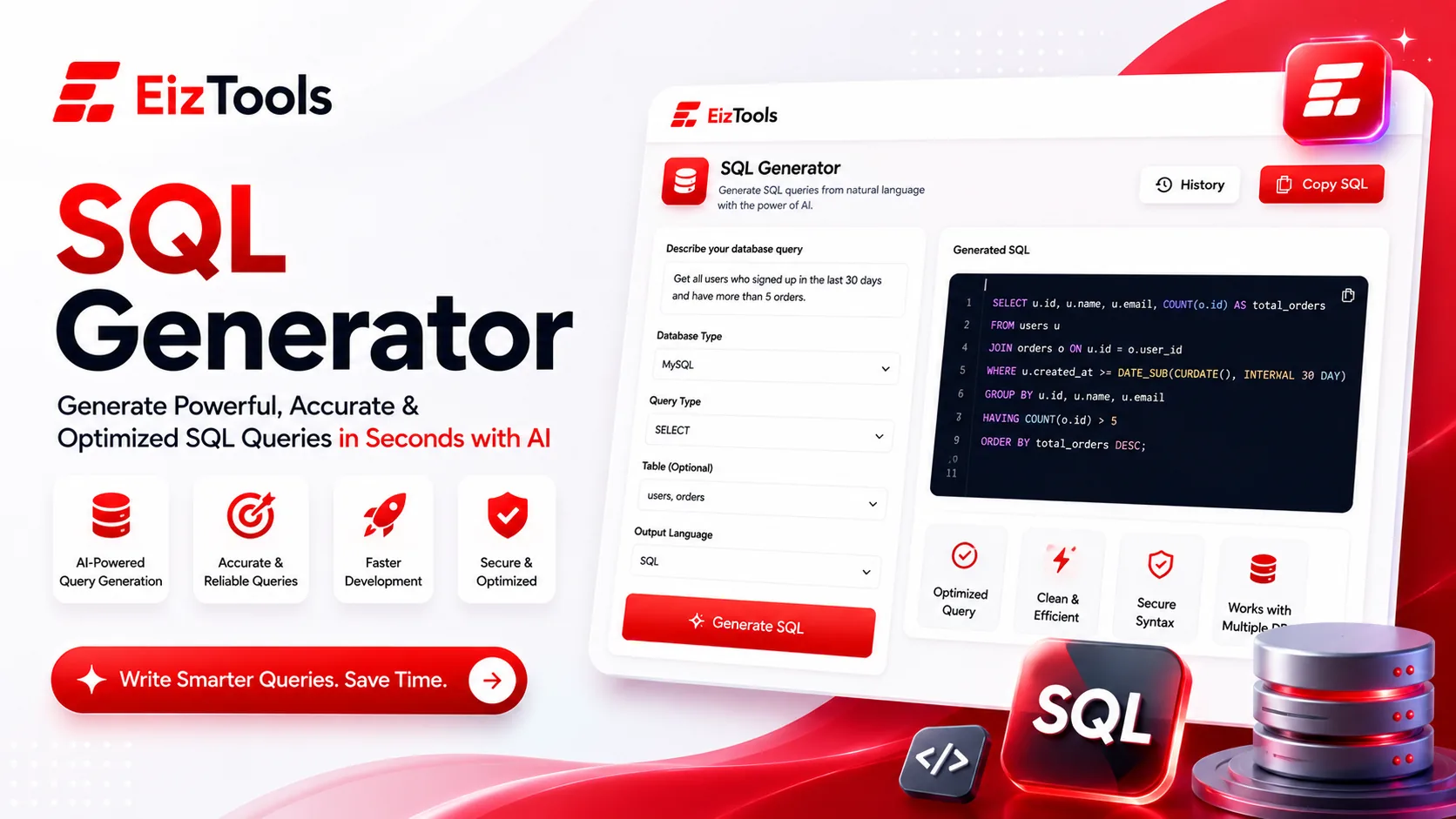
Short answer: SQL Generator is a free EizTools tool that turns a plain English request into a working query. You choose the dialect, the query type and the clauses you want, and get SQL back with optional comments or an explanation.
What is SQL Generator?
The SQL Generator writes queries from a description of what you want. Describe the result in words, paste your table structure if you have it, and it produces the statement.
Eight dialects are supported: MySQL, PostgreSQL, SQLite, Microsoft SQL Server, Oracle, MariaDB, Snowflake and BigQuery. Picking the right one matters more than people expect, because date handling and string functions differ enough to break a query that looked fine.
How Does SQL Generator Work?
- Describe the query you need in the prompt box, in ordinary language.
- Paste your table names and columns into the schema field. This is the single biggest quality lever.
- Pick a model from the selector, then choose the dialect and query type.
- Switch on the clauses you need, such as WHERE, GROUP BY, HAVING or a subquery.
- Generate. The SQL appears with a copy button, and you can download the whole thing.
- Compare two versions from the activity history when you are optimising rather than building.
Without a schema, the tool has to invent column names, and you spend your saved time renaming them. Even a rough list is enough:
orders(id, customer_id, total, status, created_at)
customers(id, name, country, created_at)
Give it that and ask for "total revenue per country for completed orders in the last 90 days", and the result is usually runnable as written.
Options That Matter Most
| Option | What it controls | Suggested start |
|---|---|---|
| SQL Dialect | The syntax flavour, across eight database engines | Whatever you actually run. Never leave this on a guess |
| Query Type | SELECT, INSERT, UPDATE, DELETE, CREATE TABLE, JOIN, trigger, index and more | SELECT while exploring, then move to the statement you need |
| Join Type | INNER, LEFT, RIGHT, FULL OUTER, CROSS or self join | LEFT JOIN when you want rows that have no match kept |
| Output Format | Raw SQL, formatted SQL, SQL with comments, or SQL plus an explanation | SQL with Comments if you are learning, Formatted SQL if you are not |
Switches add aliases, index suggestions and error handling, and there is a custom prompt field for optimisation rules or house conventions your team follows.
Danger Read every generated UPDATE and DELETE before you run it, and check the WHERE clause twice. Run it inside a transaction on a copy first. A generated statement without a WHERE clause will happily change every row in the table.
Getting A Query You Can Trust
- ✅ The dialect matches the database you are actually querying
- ✅ Every column in the query exists in the schema you pasted
- ✅ The join keys are the ones you expect, not a guess at naming
- ✅ You have run it on a small dataset before running it on production
EizTools is a free AI tools platform with a developer section that includes query, debugging and code tools. No account, no metering, and you pick the AI model each time you generate. When a query runs but returns the wrong thing, the Error Fixer is the better place to work out why.
Frequently Asked Questions
Is SQL Generator free?
Yes. No account, no credits, no daily limit. Generate as many queries as you need.
Do I have to paste my schema?
No, but the query is much better when you do. Without it the tool guesses table and column names, and you have to rename everything afterwards.
Which databases does it support?
MySQL, PostgreSQL, SQLite, Microsoft SQL Server, Oracle, MariaDB, Snowflake and BigQuery.
Can it explain a query I already have?
Yes. Paste the query, choose SQL plus Explanation as the output format, and ask what it does. That is a fast way to read inherited code.
Is it safe to paste my schema?
Paste structure, not data. Table and column names are usually fine. Never paste credentials, connection strings or customer records.
Most SQL work is not intellectually hard, it is fiddly, and fiddly is exactly what a tool should absorb. Describe the result you want, give it the tables, and spend your attention on whether the answer is right rather than on where the closing bracket goes. The prompt box is directly above.

Sabir Bepari
Founder of EizTools and a passionate AI enthusiast dedicated to building practical, user-friendly AI tools that simplify everyday tasks.
Follow EizTools
New AI tools, practical tips and product updates — straight to your feed.

