


















Facebook Caption Generator
Captions that stop the scroll
 gpt-4o-mini


Your prompt will appear here…
Your beautifully formatted article will appear here once you generate.
No history yet
Your generations will appear here. Sign in to save them permanently.
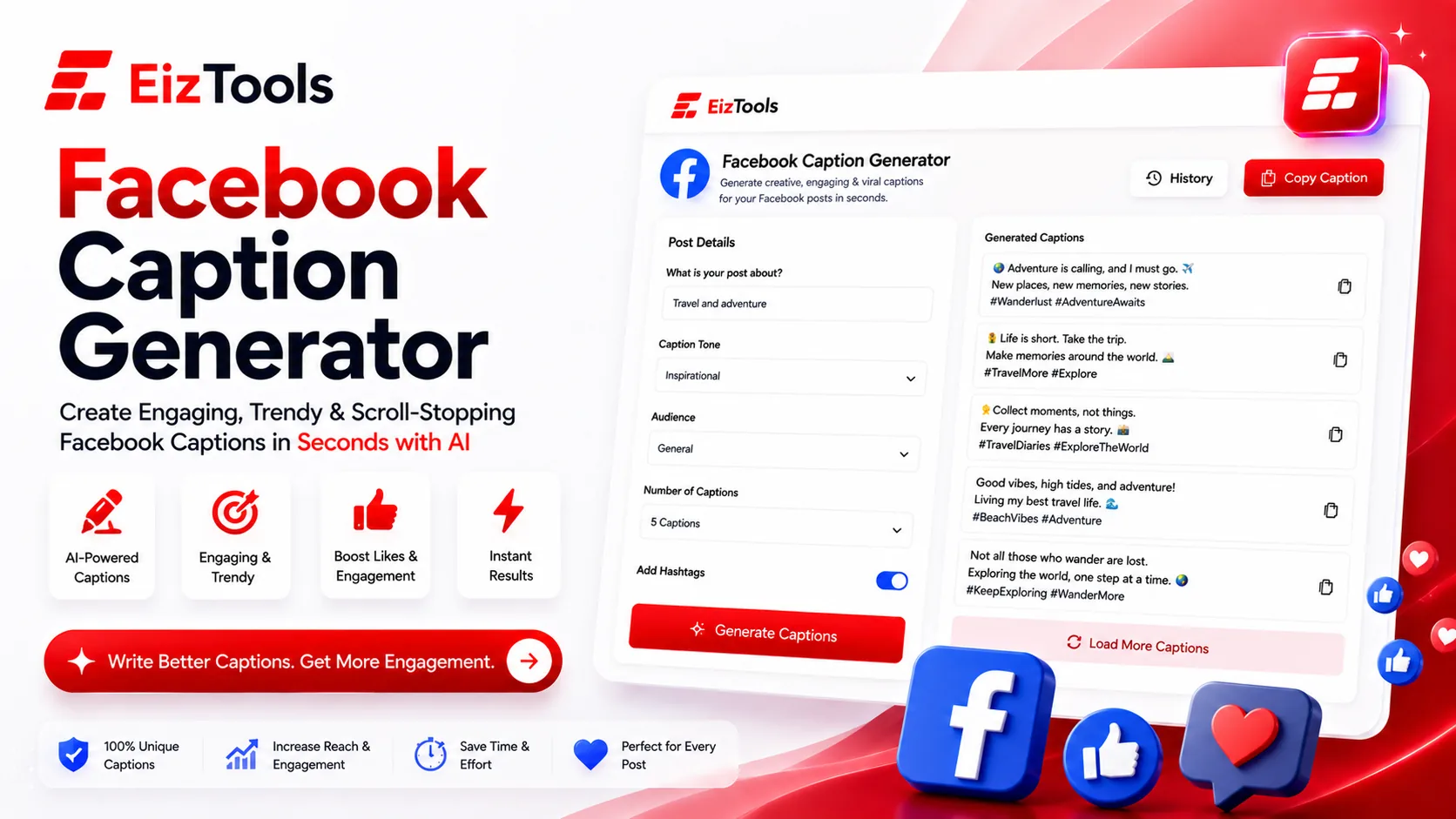
You have the photo. You have the offer. So why does the caption box sit empty for twenty minutes? Facebook posts live or die on the first line, because that is all anyone sees before the See More link, and writing a first line that earns the tap is a specific skill nobody teaches you.
Short answer: Facebook Caption Generator is a free EizTools tool that writes Facebook captions from a short description of your post. You choose the style, tone, goal and length, then add emojis, hashtags or a call to action.
What is Facebook Caption Generator?
The Facebook Caption Generator writes the words that go with your post. You describe what you are sharing, whether that is a product, an announcement or a photo from an event, and it returns a caption written for the goal you picked.
Goal is the part most caption tools skip. A post written for comments looks nothing like a post written for clicks, and telling the tool which one you want is what stops every caption sounding like an advert.
Matching The Style To The Post
| Caption Style | Fits | Pair with goal |
|---|---|---|
| Storytelling | Behind the scenes posts, customer stories, milestones | Engagement or Reach |
| Promotional | Offers, launches, limited runs | Sales or Clicks |
| Question-Based | Community posts where you want replies | Comments |
| Educational | Tips, how it works, myth busting | Saves or Followers |
Inspirational, Funny, Engaging and Minimal round out the list. Tone is set separately, so an Educational caption can still be Playful, and a Promotional one can be Casual rather than shouty.
How Does Facebook Caption Generator Work?
- Describe the post in the prompt box. What is in the picture, what you are announcing, who it is for.
- Pick a model from the selector.
- Set the caption style, tone, goal and length in the advanced options.
- Turn on emojis, hashtags, a call to action or a question hook if you want them.
- Generate, then copy the caption straight into Facebook.
- Keep the versions you liked from the activity history and reuse them next week.
Generate three or four and read only the first lines. Whichever one makes you want to keep reading is the caption, and that judgement takes about ten seconds once the options are set.
Small Things That Change Performance
- ✅ The hook lands in the first line, before the See More cut
- ✅ One clear action, not three competing ones
- ✅ Emojis used as punctuation, not as decoration on every line
- ✅ A handful of hashtags at most, all of them relevant
Note Long captions are not automatically worse. A Long caption with a strong first line often outperforms a short one, because the people who tap See More are the people most likely to act.
Who Gets The Most Out Of It
Small business owners
Posting between serving customers, with no time to draft three versions by hand.
Social media managers
Filling a content calendar where every post needs a different angle on the same product.
Community pages
Question based captions that actually start conversations instead of asking for likes.
EizTools is a free AI tools platform covering social, marketing and writing work. Every tool is open without an account, nothing is metered, and the model selector lets you switch engine mid session. If the same campaign needs your profile updated too, the Instagram Bio Generator handles the bio in the same sitting.
Frequently Asked Questions
Is Facebook Caption Generator free?
Yes. No sign up, no credits, no daily limit. Generate as many captions as your calendar needs.
Can it add hashtags?
Yes, there is a switch for it. Keep the count low on Facebook, where hashtags do far less work than they do on Instagram.
How long should a Facebook caption be?
Short for offers and reminders. Normal or Long when there is a story worth telling. The first line matters more than the total length either way.
Will the captions sound generic?
Only if the prompt is. Name the product, the audience and the occasion, and the caption comes back specific enough to post.
Can I use the same caption on Instagram?
Often yes, though the hashtag strategy differs. Generate a second version with more hashtags for Instagram rather than reusing the Facebook one unchanged.
Captions are a volume game. The account that posts consistently with a decent hook beats the one that posts brilliantly once a month, and the bottleneck is almost always the writing. Describe your next post above, generate a few options, and pick the first line that would stop your own scroll.

Sabir Bepari
Founder of EizTools and a passionate AI enthusiast dedicated to building practical, user-friendly AI tools that simplify everyday tasks.
Follow EizTools
New AI tools, practical tips and product updates — straight to your feed.

