


















Error Fixer
Debug code without the guesswork
 gpt-4o-mini


Your prompt will appear here…
Your beautifully formatted article will appear here once you generate.
No history yet
Your generations will appear here. Sign in to save them permanently.
How long did your last bug actually take? Ten minutes to fix and two hours to find? Do you ever paste a stack trace into a search box, read six unrelated threads, and end up back where you started? The hard part is almost never the patch. It is working out which line is lying to you.
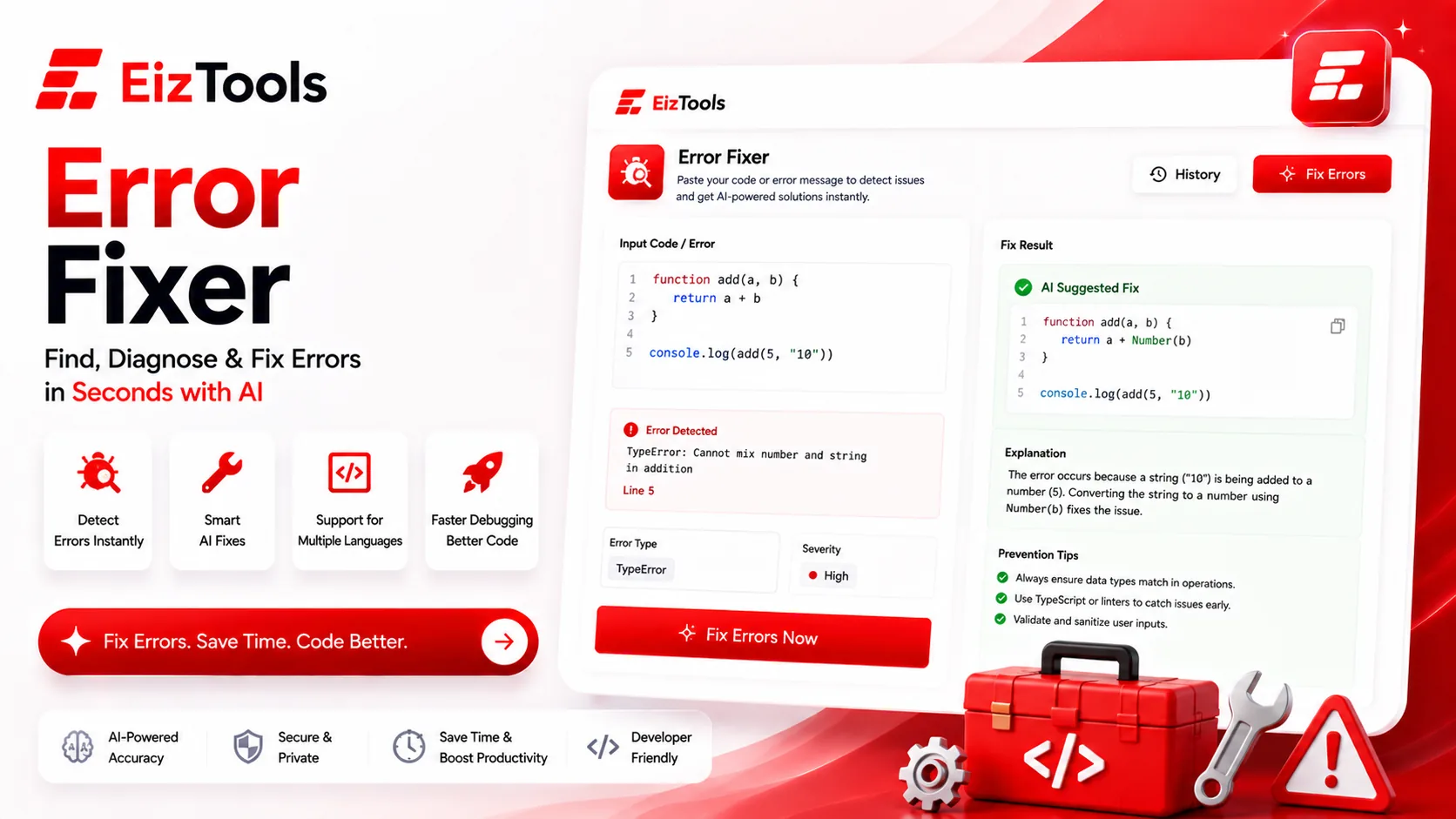
Short answer: Error Fixer is a free EizTools tool that reads your broken code or error message and returns the cause, a corrected version, and an explanation of why it failed. It covers ten languages and can auto detect which one you pasted.
What is Error Fixer?
The Error Fixer is a debugging workspace. You paste a function, a stack trace or both, and it explains what went wrong and hands back working code.
It handles Python, JavaScript, TypeScript, Java, C#, C++, Go, PHP and Ruby, with Auto-Detect as the default so you can paste first and think later. You can also tell it what kind of failure you are chasing, from a plain syntax error to a memory leak.
How Does Error Fixer Work?
- Paste the failing code, the error message, or both into the prompt box.
- Pick a model from the selector. Deeper reasoning helps on logic bugs.
- Set the language and issue type, or leave both on Auto-Detect.
- Choose the analysis depth and the output style, then Generate.
- Copy the corrected code, or download the whole explanation as TXT, Word or HTML.
- Earlier attempts stay in the activity history, which is useful when a fix creates a second bug.
Include the error text, not just the code. A stack trace tells the model which line actually threw, and that single detail is the difference between a real diagnosis and an educated guess.
Reading The Four Output Styles
| Output | What you get | Best when |
|---|---|---|
| Fix and Explanation | Corrected code plus the reasoning | You want to learn the pattern, not just clear the error |
| Corrected Code | The patched code alone | You already know the cause and want it typed for you |
| Root Cause | Diagnosis without the rewrite | You want to fix it yourself but cannot see it |
| Step-by-Step Debug | An ordered path to isolate the fault | The bug is intermittent or the trace points somewhere unhelpful |
Analysis Depth runs Quick, Standard and Deep. Quick is right for syntax errors. Deep is worth the wait on a logic bug that only shows up with real data. Four switches control the root cause explanation, the fixed code, prevention advice and a test that reproduces the failure.
Tip Turn on Show Test to Reproduce. A failing test is the only proof the fix worked, and it stops the same bug returning in three months when someone refactors the function.
What To Paste For A Useful Answer
- ✅ The function that fails, plus anything it calls that you wrote
- ✅ The full error message and stack trace, not a summary of it
- ✅ The input that triggers it, when the bug is data dependent
- ✅ The language version, if it is old enough to matter
A short example of the kind of thing worth pasting:
TypeError: Cannot read properties of undefined (reading 'total')
  at cartSummary (cart.js:42)

function cartSummary(cart) {
  return cart.items.reduce((n, i) => n + i.total, 0);
}
That is enough for a real diagnosis, because the trace names the line and the code shows what it assumed.
EizTools is a free AI tools platform with a set of developer tools alongside the writing ones. Everything is free, no account is required, and you can change the model when one gets stuck. When the bug turns out to be in a query rather than the code around it, the SQL Generator is the faster place to rebuild the statement.
Frequently Asked Questions
Is Error Fixer free?
Yes. No account, no credits, no daily limit. Paste as many failures as you need to work through.
Which languages does it handle?
Python, JavaScript, TypeScript, Java, C#, C++, Go, PHP and Ruby, with Auto-Detect for when you would rather not choose.
Should I paste my whole file?
Usually not. The failing function and its immediate dependencies give a sharper answer than a thousand lines of context that bury the relevant part.
Can it help with a bug that has no error message?
Yes. Set the issue type to Logic Bug, describe what you expected and what happened instead, and choose Step-by-Step Debug for the output.
Is it safe to paste production code?
Treat it like any external service. Strip credentials, API keys and customer data before pasting, and paste the pattern rather than the secret.
Debugging is mostly narrowing, and a second reader who has no assumptions about your code narrows faster than you do at midnight. Paste the trace and the function above, ask for the root cause first, and you will usually know within a minute whether you were looking in the right file.

Sabir Bepari
Founder of EizTools and a passionate AI enthusiast dedicated to building practical, user-friendly AI tools that simplify everyday tasks.
Follow EizTools
New AI tools, practical tips and product updates — straight to your feed.

