


















SWOT Analysis Generator
Plan smarter with clarity
 gpt-4o-mini


Your prompt will appear here…
Your beautifully formatted article will appear here once you generate.
No history yet
Your generations will appear here. Sign in to save them permanently.
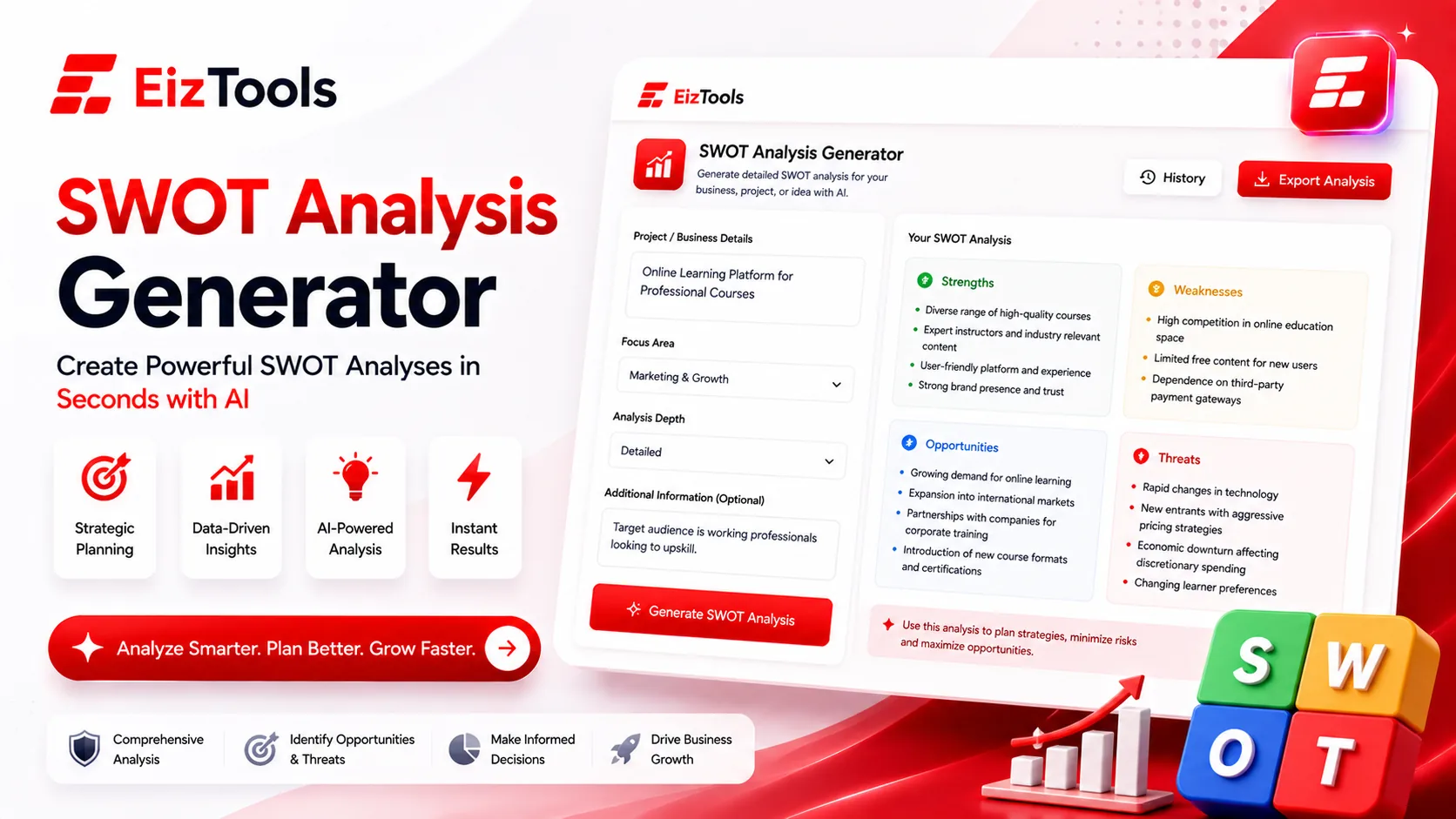
Have you sat in a planning session where the whiteboard filled with strengths and nobody mentioned a single real weakness? Does your SWOT end up as four boxes of adjectives that change nothing? The framework is not the problem. The problem is that teams write it about themselves, and self assessment is where honesty goes to die.
Short answer: SWOT Analysis Generator is a free EizTools tool that builds a strengths, weaknesses, opportunities and threats analysis from a description of your business, product or project, with a depth and output format you choose.
What is SWOT Analysis Generator?
The SWOT Analysis Generator produces the four quadrant analysis from what you tell it about the situation. You describe the business, market or project, and it returns the analysis structured the way you asked for it.
The value is not that it knows your company. It does not. The value is that it has no stake in the answer, so the weaknesses column arrives populated rather than politely empty.
What Each Quadrant Is For
| Quadrant | Looks at | Common mistake |
|---|---|---|
| Strengths | Internal advantages you control | Listing things every competitor also has |
| Weaknesses | Internal gaps you control | Writing them as opportunities to sound positive |
| Opportunities | External changes you could use | Confusing a wish with a market shift |
| Threats | External changes that could hurt | Only naming competitors, ignoring cost, regulation and habit |
The internal and external split is the part people get wrong most often. If you control it, it belongs on the left. If it would happen whether you existed or not, it belongs on the right.
How Does SWOT Analysis Generator Work?
- Describe the business, product or decision in the prompt box, including the market it sits in.
- Pick a model from the selector.
- Set the analysis focus, depth, output format and priority lens in the advanced options.
- Generate. The analysis appears in the output card, ready to copy into a deck or a document.
- Download it as Word, TXT or HTML, or paste the table straight into your slides.
- Run a second pass with a different priority lens and compare from the activity history.
Running it twice is the trick worth knowing. A Risk lens and a Growth lens on the same input produce two genuinely different analyses, and the disagreement between them is usually where the real conversation is.
Setting Depth And Lens
- Analysis Depth runs Quick, Standard, Deep and Comprehensive. Quick suits a meeting starter. Comprehensive suits a document that has to stand on its own.
- Priority Lens covers Accuracy, Impact, Risk, Cost, Speed, Quality, Growth and Clarity. It decides what gets ranked first inside each quadrant.
- Output Format offers Summary, Detailed Report, Bullet Points, Table, Scorecard or the classic SWOT grid. Table pastes into slides most cleanly.
- Analysis Focus lets you narrow to Opportunities or Risks alone when you already know the rest.
Four switches add key findings, flagged risks, recommendations and metrics. Turning on recommendations is what moves the output from description to something you can act on.
Note The tool only knows what you tell it plus general knowledge of your industry. It has no access to your numbers, your competitors' plans or your customer list. Treat the output as a well structured first draft to argue with, not a research report.
EizTools is a free AI tools platform used for planning documents as much as for writing. Free with no sign up, no daily cap, and the AI model behind each run is your choice. A SWOT usually feeds something larger, and the Business Report Generator turns the same notes into the document around it.
Frequently Asked Questions
Is SWOT Analysis Generator free?
Yes. No account, no credits and no daily limit. Run as many analyses as your planning needs.
What should I put in the prompt?
What you sell, who buys it, who you compete with and what has changed recently. Specific input produces specific quadrants, and vague input produces the generic SWOT everyone has seen.
Can I use it for a personal decision?
Yes. A career move or a course of study works the same way. Describe the situation and the options, and set the depth to Standard.
Which output format works best in slides?
Table or the SWOT grid. Both paste into a deck without reformatting, while Detailed Report suits a document instead.
Will it know my competitors?
Only if you name them. Listing your two or three real competitors in the prompt is the single fastest way to make the threats column useful.
A SWOT is worth doing when it changes a decision, and it only does that when the awkward boxes are filled honestly. Starting from a draft written by something with no reputation to protect makes those boxes much easier to face. Describe your situation above and see which weakness you were quietly avoiding.

Sabir Bepari
Founder of EizTools and a passionate AI enthusiast dedicated to building practical, user-friendly AI tools that simplify everyday tasks.
Follow EizTools
New AI tools, practical tips and product updates — straight to your feed.

