


















Trip Itinerary Generator
Day-by-day travel planning
 gpt-4o-mini


Your prompt will appear here…
Your beautifully formatted article will appear here once you generate.
No history yet
Your generations will appear here. Sign in to save them permanently.
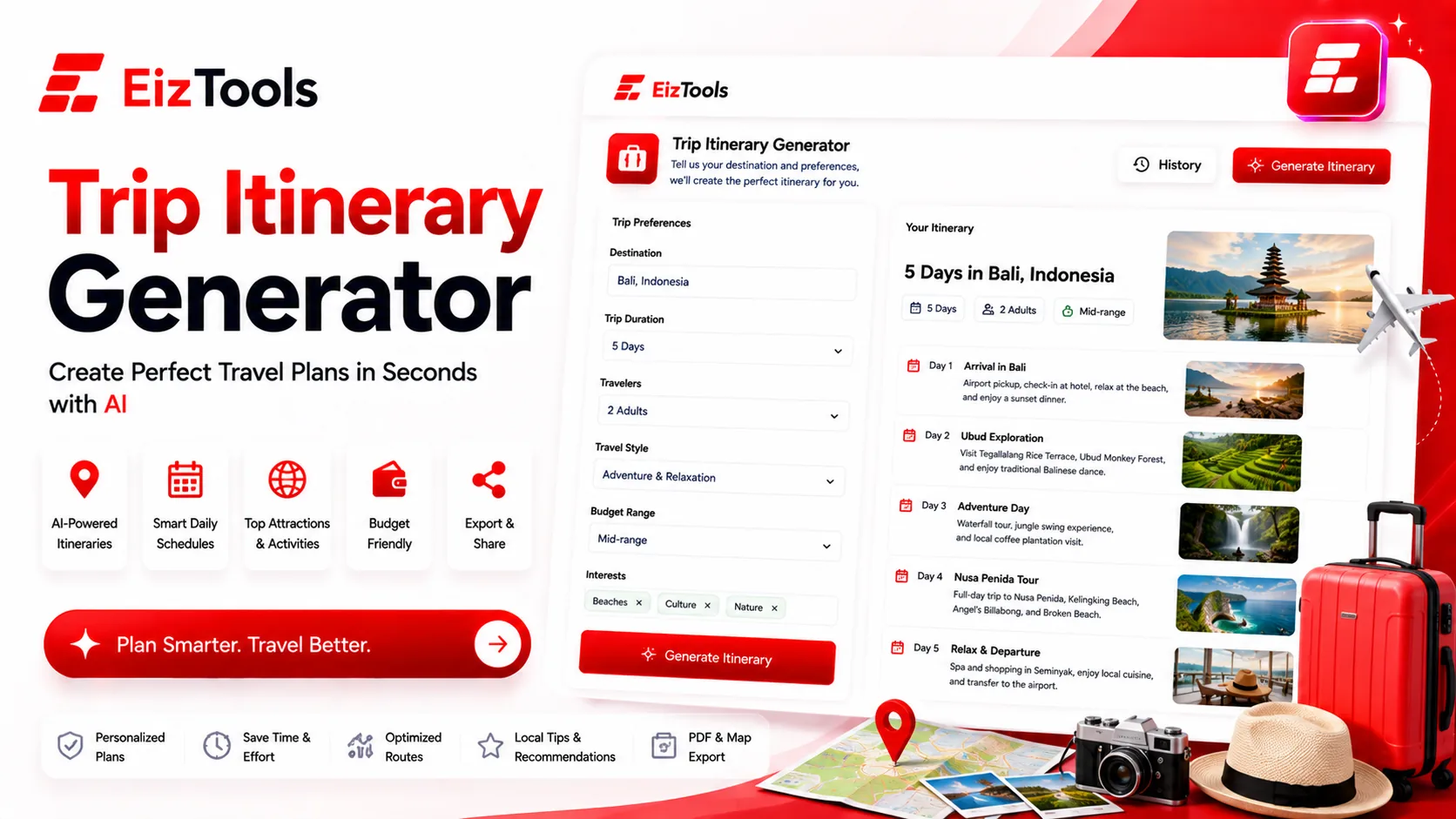
You have the flights and four days in a city you have never visited. Now what? Twenty browser tabs later, do you have a plan, or a list of things you might do in an order that makes no geographic sense? Planning a trip is not hard. It is just fiddly, and the fiddliness is what turns a fun idea into a chore.
Short answer: Trip Itinerary Generator is a free EizTools tool that builds a day by day travel plan from your destination and dates. You set the pace, style, group and budget, and get an itinerary you can adjust.
What is Trip Itinerary Generator?
The Trip Itinerary Generator turns a destination and a length of stay into a structured plan: what to do each day, in an order that flows, with the shape of the trip decided for you.
The settings are what make it useful. A packed cultural trip for two people on a small budget is a completely different itinerary from a relaxed family week with young children, even in the same city, and the tool asks about that before it plans anything.
How Does Trip Itinerary Generator Work?
- Type the destination, how many days you have and roughly when you are going.
- Pick a model from the selector.
- Set the travel pace, travel style, traveller group and budget level in the advanced options.
- Move the detail level slider up for a fuller plan, down for a simple outline.
- Generate. The itinerary appears in the output card, ready to copy or download.
- Reopen earlier versions from the activity history when you are comparing two routes.
Add your constraints to the prompt. One person who cannot walk far, a museum you have already seen, a Sunday when everything closes. Constraints improve an itinerary more than preferences do, because they remove the days that would not have worked.
The Four Settings That Shape The Trip
| Option | Choices | What it changes |
|---|---|---|
| Travel Pace | Relaxed, Balanced, Packed, Flexible | How many stops a day. Packed means early starts and little downtime |
| Travel Style | Adventure, Cultural, Foodie, Luxury, Budget Backpacker, Family-Friendly, Romantic | What the days are built around, from galleries to markets to trails |
| Traveller Group | Solo, Couple, Family with Kids, Friends Group, Senior Travellers | Timing, distances and the kind of stops suggested |
| Budget Level | Shoestring, Mid-Range, Premium, Luxury | Where you eat, how you travel between stops, what gets recommended |
Relaxed with a family is the combination most people should pick and do not. Holidays go wrong from over scheduling far more often than from under scheduling.
Important Check the practical details yourself before you rely on them. Opening days, ticket prices, seasonal closures and whether a place still exists all change, and no generated plan is a booking. Use the itinerary as the shape of your trip, then confirm each fixed point.
Using The Plan Once You Have It
- ✅ Book the two or three things that must be reserved in advance
- ✅ Check opening hours for anything scheduled on a Monday or a Sunday
- ✅ Group each day by area so you are not crossing the city twice
- ✅ Leave one afternoon completely empty on any trip longer than three days
EizTools is a free AI tools platform with travel and lifestyle tools beside the work ones. All free, none of them gated behind a sign up, and you choose which AI model plans your trip. Once the itinerary is settled, the Task Assistant turns the bookings, packing and paperwork into an ordered list you can tick off before you leave.
Frequently Asked Questions
Is Trip Itinerary Generator free?
Yes. No account, no credits, no daily limit. Plan as many trips as you like.
Does it book anything?
No. It writes the plan. Flights, hotels and tickets are booked separately, and you should confirm prices and availability yourself.
Can it plan for a family with young children?
Yes. Set the group to Family with Kids and the pace to Relaxed. That combination produces shorter days with more breaks built in.
How accurate are the recommendations?
Treat them as strong suggestions rather than verified facts. Opening times, prices and seasonal closures change, so check anything you are building a day around.
Can I get a plan for a single day?
Yes. Ask for one day, keep the detail level moderate, and you get a route through a city that works for a stopover or a day trip.
The best trips usually have a loose spine and room to wander, and that spine is exactly what takes an evening to work out from scratch. Getting it in a minute means the planning stops competing with the anticipation. Tell it where you are going above, set the pace honestly, and start from a plan instead of twenty tabs.

Sabir Bepari
Founder of EizTools and a passionate AI enthusiast dedicated to building practical, user-friendly AI tools that simplify everyday tasks.
Follow EizTools
New AI tools, practical tips and product updates — straight to your feed.
