


















Text Summarizer
Shorter reads, clearer ideas
 gpt-4o-mini


Your prompt will appear here…
Your beautifully formatted article will appear here once you generate.
No history yet
Your generations will appear here. Sign in to save them permanently.
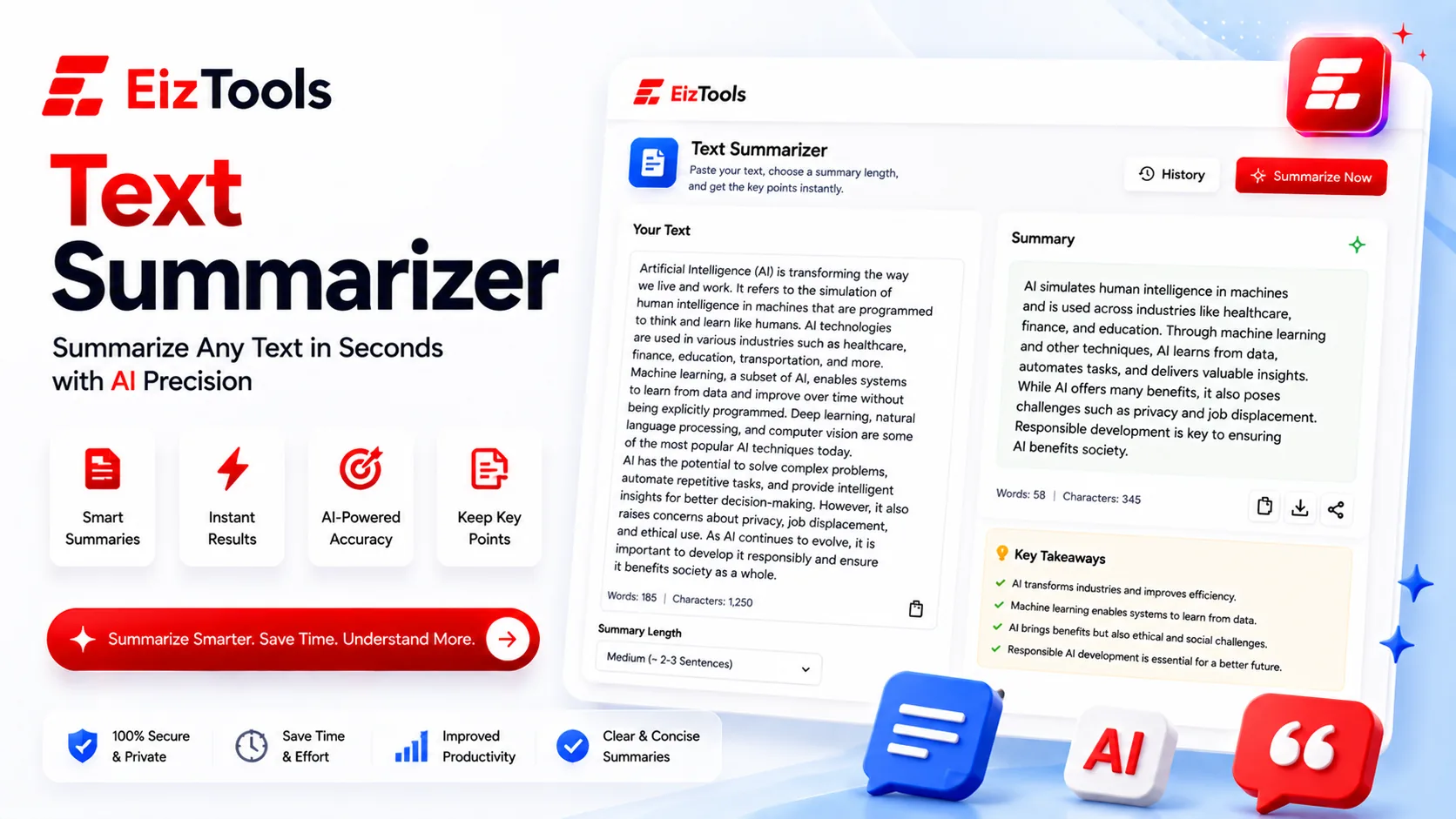
How many unread documents are open in your browser right now? A report you were sent, a contract you skimmed, an article someone insisted you read? The information is not hidden. It is just longer than the time you have, and the useful part is usually a fifth of the words.
Short answer: Text Summarizer is a free EizTools tool that condenses long text into a shorter version. Eight summary styles cover everything from a TL;DR to an executive summary, an outline or a list of action items.
What is Text Summarizer?
The Text Summarizer takes text you paste in and returns a shorter version built for a purpose you choose. That last part is what separates it from a generic shortener.
A summary for a colleague who needs to act is not the same as a summary for your own notes. One is a list of decisions and owners. The other keeps the reasoning. The Focus setting is where you say which one you want.
Choosing A Summary Style
| Style | Gives you | Use for |
|---|---|---|
| TL;DR | Two or three lines, no structure | Deciding whether the full text is worth reading |
| Executive | The decision and the reasoning behind it | Reports going upward to someone short on time |
| Key Takeaways | A list of the points that matter | Study notes and meeting recaps |
| Outline | The structure of the original, condensed | Understanding how a long document is organised |
| Abstract | A formal single paragraph | Academic papers and reports with a set format |
Concise, Detailed and Bullet Points complete the list. Summary Length runs from Very Short to Detailed and works alongside the style rather than replacing it.
How Does Text Summarizer Work?
- Paste the text into the prompt box. Articles, reports, transcripts and email threads all work.
- Pick a model from the selector. Longer input benefits from a larger model.
- Set the summary style, length, output format and focus in the advanced options.
- Generate. The summary appears with a word count so you can see how far it compressed.
- Copy it, listen to it, or download it as TXT, Word or HTML.
- Compare a short and a detailed version from the activity history before choosing.
Set the Focus deliberately. Action Items pulls out what has to be done and ignores the background. Arguments keeps the reasoning and drops the examples. Main Ideas is the safe default when you are not sure.
Summaries That Do Not Mislead
- ✅ Turn on Preserve Quotes when the exact wording could matter later
- ✅ Turn on Keep Key Points for anything with figures, dates or names
- ✅ Read the original conclusion yourself before acting on a summary of it
- ✅ Never summarise a contract and treat the summary as the agreement
Caution Summarising loses nuance by design. That is the point of it. For anything legal, medical or financial, use the summary to find the section you need, then read that section in full.
EizTools is a free AI tools platform. Every tool is free with no account and no limit on how much you run through it, and the model selector sits right above the prompt box. When the summary contains things that need doing, hand it to the Task Assistant and get an ordered list out of it.
Frequently Asked Questions
Is Text Summarizer free?
Yes. No account, no credits, no daily limit. Summarise as much as you need.
How long can the text be?
Long documents work, but very long ones are better split into sections. Summarising section by section keeps more of the detail that matters.
Can it pull out just the action items?
Yes. Set the Focus to Action Items and it returns what needs doing, leaving out the background discussion around it.
Will it keep direct quotes?
Only if you turn on Preserve Quotes. With it off, the summary paraphrases everything, which reads better but changes the wording.
Can I get the summary as bullet points?
Yes. Choose Bullet Points as either the style or the output format, and you can add headings on top for longer summaries.
Reading less is not the goal. Reading the right fifth is. A good summary tells you whether to open the full document, which section to open first, and what someone is asking you to do. Paste your document above, pick the style that matches why you are reading, and get through the pile.

Sabir Bepari
Founder of EizTools and a passionate AI enthusiast dedicated to building practical, user-friendly AI tools that simplify everyday tasks.
Follow EizTools
New AI tools, practical tips and product updates — straight to your feed.

