

















SWOT Analysis Generator
Plan smarter with clarity
 NVIDIA: Nemotron 3 Ultra (free)





Your prompt will appear here…
Your beautifully formatted article will appear here once you generate.
No history yet
Your generations will appear here. Sign in to save them permanently.
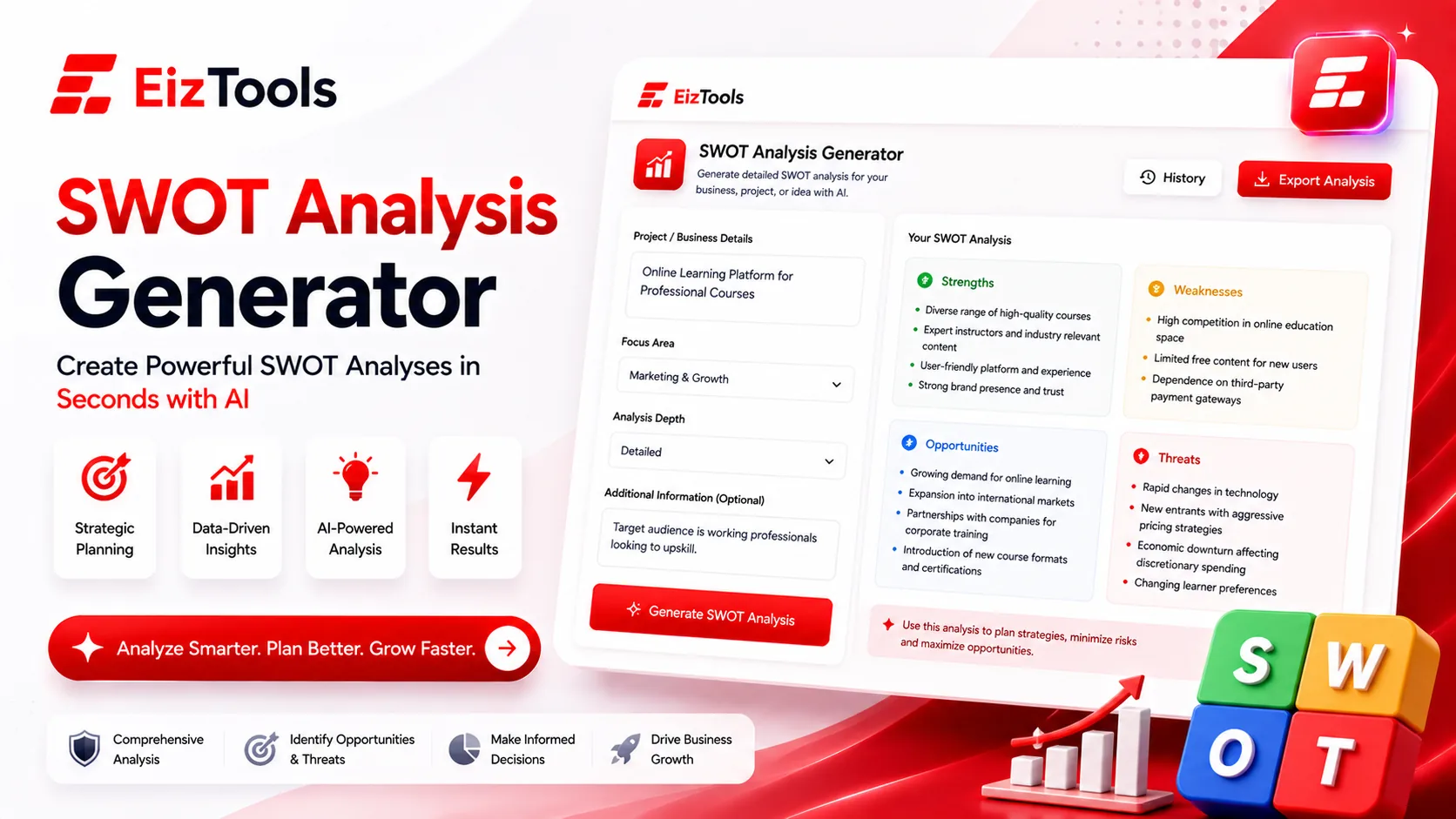
Almost everyone has sat through a SWOT that went nowhere. Someone drew four boxes on a whiteboard, the room called out a dozen adjectives, the boxes filled up, and the photo got pasted into a slide nobody opened again. The SWOT Analysis Generator is built to break that pattern. You give it a business, product, or decision, and it returns a sorted breakdown of strengths, weaknesses, opportunities, and threats that is meant to be argued with and acted on — not admired once and filed away.
The tool handles the sorting and structure quickly. What follows is how to run one that actually changes what you do next, step by step.
What makes a SWOT useful instead of a box-ticking ritual
The framework itself is almost trivially simple, which is exactly why it gets abused. A SWOT fails when the entries are vague, flattering, or disconnected from any real choice. "Strong team, great brand, growing market" could describe nearly any company and commits you to nothing. A SWOT earns its place when every entry is specific enough to be wrong and pointed enough to suggest a move.
Three things separate the useful version from the ritual: a sharp question, honest inputs, and a bridge from the grid to a decision. Miss any one and you get a poster. Get all three and you get a plan. The steps below are built around those three things.
Step 1: Frame the question before you list a single thing
The most common mistake happens before any box is filled: the scope is too wide. A SWOT of "our whole company" collapses under its own weight, because a strength for one product is irrelevant to another and a threat this quarter may be an opportunity next year. Narrow it. "Should we launch the paid tier in March?" or "Where do we stand against the new competitor?" gives every later entry something concrete to attach to.
Feed the SWOT Analysis Generator that framed question, not just a company name. The tighter your subject, the sharper the analysis it can build, because it knows which strengths matter for this particular call and which are just noise.
Step 2: Gather honest inputs
This is where SWOTs live or die. The quadrants are only as good as what you put in, and the temptation is always to list the flattering version of reality.
Keep internal and external straight
Strengths and weaknesses are internal — things you own and can change, like your cost base, your team, your churn rate. Opportunities and threats are external — forces you can ride or brace for but not control, like a new regulation, a shifting habit, or a rival's price cut. Mixing them is the classic error. "We should improve our onboarding" is not an opportunity; it's a weakness wearing a disguise.
Trade adjectives for evidence
A vague "good reputation" is an opinion. "A repeat-purchase rate we can quote and compare against the category" is a strength you can defend. Bring numbers, customer quotes, and specifics. Then be just as unflinching about weaknesses — the ones you'd rather not type are usually the most valuable. Give the generator honest raw material and it hands back a mirror; feed it PR copy and it hands back a poster.
Step 3: Let the four quadrants sort what you gathered
Once you hand over your inputs, the tool arranges them into the standard matrix and often catches gaps — an obvious threat you skipped, or a strength you undersold. It helps to picture the grid along two axes: internal versus external, and helpful versus harmful.
| Factor | Helpful | Harmful |
|---|---|---|
| Internal | Strengths | Weaknesses |
| External | Opportunities | Threats |
Seeing it laid out this way stops the usual muddle. If an entry describes something you control, it belongs on the top row; if it describes the world around you, it belongs on the bottom. That single discipline is what makes the finished grid trustworthy rather than a jumble of good and bad feelings.
Step 4: Turn the grid into actions, not a static picture
A filled grid is only halfway there. The real payoff comes from reading across the quadrants and asking what each pairing demands of you:
- Strengths and opportunities: where can you use what you're genuinely good at to grab what's opening up? These are the bets to push on.
- Weaknesses and threats: where does a soft spot line up with an outside danger? These are the risks to fix or hedge before they combine.
- Strengths and threats: which strengths can blunt an incoming threat? These are your defenses.
- Weaknesses and opportunities: which gaps are stopping you from seizing something, and are they worth closing now?
Every worthwhile SWOT ends with a short list of concrete moves, each with an owner and a rough deadline — not four boxes of nouns. When the analysis feeds a larger decision, drop it into the Business Report Generator so the SWOT sits alongside financials and market context instead of floating on its own slide. And if you're a founder weighing a whole launch rather than a single call, remember that a SWOT is only one lens; running it next to the Startup Assistant covers the surrounding pieces — positioning, model, first customers — that a four-box matrix was never meant to hold.
A quick run-through to try
- Write the exact decision or question the SWOT is meant to inform.
- List your honest inputs, keeping internal factors separate from external ones.
- Feed them to the SWOT Analysis Generator and let it sort the grid and flag what you missed.
- Read across the quadrants to find your bets, your risks, and your defenses.
- Convert each one into a specific next step with a name attached.
Done this way, a SWOT stops being a meeting warm-up and becomes a decision tool. The grid is never the point; it's the sorting step on the way to a handful of clear moves. Keep the question sharp, keep the inputs honest, and finish by asking "so what do we actually do Monday?" That last question is the one that separates a strategy you act on from a picture you photograph and forget.

Sabir Bepari
Founder of EizTools and a passionate AI enthusiast dedicated to building practical, user-friendly AI tools that simplify everyday tasks.
