

















Task Assistant
AI planner for busy days
 NVIDIA: Nemotron 3 Ultra (free)





Your prompt will appear here…
Your beautifully formatted article will appear here once you generate.
No history yet
Your generations will appear here. Sign in to save them permanently.
Everyone has a version of the same moment. You sit down to work, and instead of starting, you spend ten minutes trying to remember what you were supposed to be doing. There are notes stuck to the fridge, a half-finished list buried in your phone, two browser tabs you meant to act on last week, and a nagging sense that something important is quietly slipping. The problem is rarely that you have too much to do. It is that your to-dos live in too many places, in no particular order, with no clear starting point.
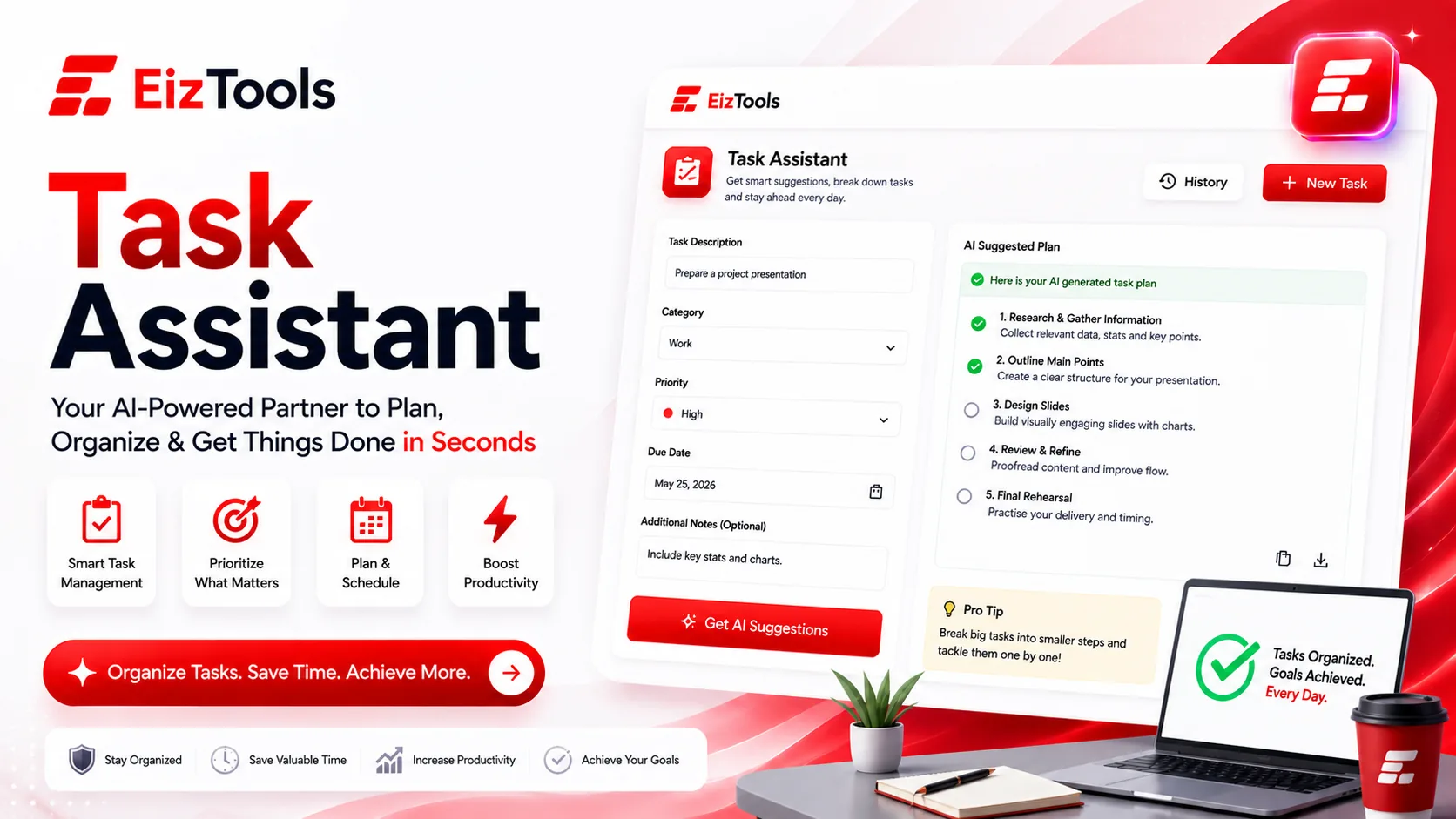
The Task Assistant exists for exactly that pile. You empty everything out of your head in one messy stream, and it hands back an organized, prioritized plan you can actually follow. The fastest way to see what it changes is to set the old habit and the new one side by side.
The manual way: sticky notes and mental load
The traditional system is a patchwork. A sticky note on the monitor, a reminder scrawled on the back of an envelope, a mental note you swear you will not forget. Each individual piece feels harmless. Together they form a system with no memory and no priorities, which means the work of holding it all together lands squarely on you.
That is the hidden cost, and it has a name: the mental load. It is the background hum of tracking, remembering, and re-deciding that runs whether you are at your desk or lying awake at night. Sticky notes rank nothing. A dripping tap and a tax deadline sit at the same visual weight, so the loudest or newest item wins your attention instead of the one that matters most. And every time something shifts, you rewrite the whole thing by hand.
What sorting your tasks changes
Sorting while you capture is what makes list-making feel like a chore, so the Task Assistant splits the job in two. First you dump. No structure, no order, no self-editing, just get it out of your head. Then the tool does the sorting: it groups related items, flags what is genuinely time-sensitive, separates a two-minute phone call from a two-week project, and surfaces the single next action so you are never staring at a wall of identical-looking tasks.
| Where the work happens | Sticky notes & mental load | Task Assistant |
|---|---|---|
| Holding the list | Your memory and scattered paper | One plan, in one place |
| Deciding what comes first | Gut feel; whatever shouts loudest | Ranked by urgency, effort, and impact |
| When things change | Rewrite the whole list by hand | Re-sort in seconds |
| The cost to you | Constant low-grade worry | A clear head and an obvious next step |
A brain-dump, turned into a plan
Here is the kind of raw input people actually type in, a run-on jumble at the end of a long day:
renew the car insurance before Friday, call the dentist, finish the Q3 report, buy Dad a birthday gift, the kitchen tap is dripping, reply to Sarah about the venue, book the dog's vaccination, start learning SQL.
On a sticky note, that is eight equal-looking chores and a faint sense of dread. Handed to the Task Assistant, it comes back shaped:
Do first, deadline-driven
- Renew the car insurance (hard deadline: Friday)
- Finish the Q3 report, and block real focus time for it
Quick wins, under five minutes each
- Call the dentist
- Reply to Sarah about the venue
- Book the dog's vaccination
Errands and follow-ups
- Buy Dad's birthday gift
- Get a plumber in for the kitchen tap
Longer-term
- Start learning SQL, a project to schedule rather than a box to tick
Nothing was added and nothing was invented. The same eight items now carry an order, a rough sense of effort, and an unmistakable place to begin. That is the whole distance between a list that stresses you out and a plan that moves you forward.
Why prioritized beats complete
A finished list gives you the illusion of control; a prioritized plan gives you the real thing. When tasks are ranked, you can guard your sharpest hours for the report that genuinely matters and batch the quick calls into the gaps between meetings. You stop treating a five-minute errand and a five-hour deliverable as equals. And because the ordering is written down rather than held in your head, you can hand part of the plan to a colleague, or pick it back up on Monday morning, without rebuilding your own reasoning from nothing.
It also makes saying "not now" far easier. Seeing "learn SQL" filed calmly under longer-term, instead of glaring at you next to Friday's deadline, is quiet permission to let it wait without letting it vanish.
Planning tools that pair well
The Task Assistant is deliberately one link in a chain rather than the whole toolbox. Once your plan is ranked, the natural next question is when each block of work will actually happen. That is where a Time Planner takes the prioritized list and drops it onto real hours in your week, turning good intentions into appointments you keep with yourself.
Sometimes the problem sits further upstream, and the trouble is not organizing tasks but generating them in the first place. If a project is still fuzzy and you cannot yet name the to-dos, a session with the Brainstorming Assistant can turn a vague goal into concrete next steps, which you then feed straight into the Task Assistant to sequence and rank.
The pattern behind all three is simple: think it up, sort it out, schedule it in. The Task Assistant owns the middle step, the one where a chaotic brain-dump quietly becomes something you can act on without carrying the entire load in your head.

Sabir Bepari
Founder of EizTools and a passionate AI enthusiast dedicated to building practical, user-friendly AI tools that simplify everyday tasks.
