

















Business Report Generator
Boardroom-ready reports fast
 NVIDIA: Nemotron 3 Ultra (free)





Your prompt will appear here…
Your beautifully formatted article will appear here once you generate.
No history yet
Your generations will appear here. Sign in to save them permanently.
The information almost always exists before the report does. Somewhere on your machine sits a spreadsheet of numbers, a page of bullet points from last week's stand-up, a few Slack threads worth remembering, and an email that started as a summary and trailed off. What's missing is shape — the arrangement that turns all of that into a document someone above you will actually read and act on.
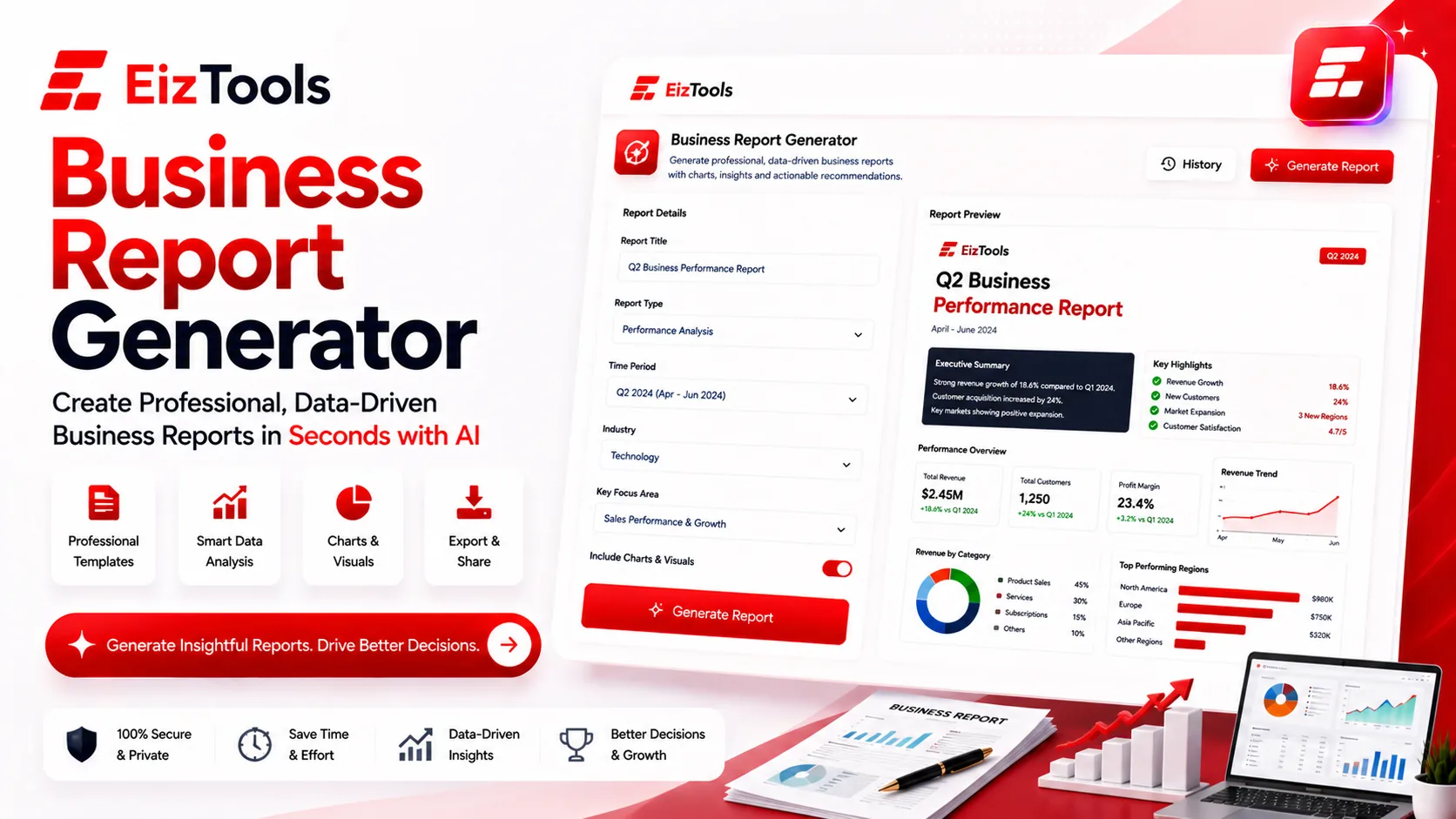
That gap is what the Business Report Generator is built to close. You hand it the raw material you already have — metrics, notes, half-finished sentences — and it returns a structured report: a tight executive summary at the top, labelled sections underneath, and a logical order running through the whole thing. The quickest way to see what it's for is to look at the reports people build with it most.
Common report types
Different jobs call for different documents, but they share one problem: messy inputs and a reader with no time to spare. Here are the shapes that come up again and again.
Monthly performance updates
At month end, a marketing lead pulls figures from analytics, ad spend, and the CRM. On their own, those cells mean little to anyone who wasn't in the weeds all month. Dropped in as notes, they come back as a monthly update: a two-line summary up top — traffic held, paid conversions climbed, email slipped — then a short section per channel with the numbers that back each claim. Their director reads the summary in under a minute and knows exactly where to ask questions.
Project recaps
Priya wraps a three-month website build for a client who wasn't watching the day-to-day. They want to know what shipped, what changed along the way, and what happens next. She pastes her milestone notes and gets a recap organized into phases, with the scope changes flagged rather than buried. Because a wrap-up like this usually ends with getting paid, she follows it straight away with the Invoice Generator to bill the final stage while the work is still fresh.
Investor summaries
A founder preparing the quarterly note to backers has the numbers — revenue, burn, active users — but knows investors read for the story around them. The tool arranges traction, spending, and roadmap into the sections a quarterly update is expected to carry, so nothing important is left to a footnote. Many founders pair it with a quick strategic read from the SWOT Analysis Generator, so the metrics sit beside an honest view of strengths and risks rather than standing alone.
Research findings
An analyst finishes a market study built from interviews, survey answers, and a stack of competitor notes. Raw, it's forty pages of quotes nobody will read to the end. Fed in, it becomes a findings report: a short note on method, the themes that actually recurred, and a recommendation the reader can act on. The evidence stays available underneath for anyone who wants to dig, which means most people won't have to.
Status reviews
An operations manager runs a weekly review across five teams, and every Friday each lead sends a paragraph in their own style. Collected together, those paragraphs become a single status review with a plain on-track, at-risk, or blocked line at the top and a section per team below. The people in the meeting stop wrestling with five different formats and start reading one.
Turning notes into structure
What those scenarios share is the messy middle. You rarely lack information; you lack the hour it takes to order it, cut the repetition, write a summary that leads with the point, and give every section a heading that means something. The Business Report Generator does that ordering pass for you. You keep control of the substance — the judgment, the numbers, the call on what matters most — while it handles the arranging, the phrasing, and the consistency that make a document feel finished instead of forwarded.
Parts of a solid report
Whatever the type, a report that gets read tends to carry the same bones: an executive summary that states the outcome first, a short piece of context, the body sections that hold the detail and the data, and a clear set of next steps or recommendations at the end. The executive summary does most of the work, because it is often the only part a senior reader finishes:
Revenue grew for the third straight quarter, driven mainly by renewals rather than new sales. Churn among first-year accounts is now the biggest risk to that trend, and the section below sets out two ways to slow it.
Four sentences like that, placed at the top, let a reader decide in seconds whether they need the rest today or can trust you and move on. Everything underneath simply supports them.
Writing for busy executives
Reports fail more often from how they are written than from what they contain. A handful of habits keep them readable:
- Lead with the answer, then explain — never make the reader hunt for the conclusion.
- Hold each section to one idea, so it can be skimmed and still understood.
- Push the deep tables and raw data into an appendix rather than the main flow.
- Trade jargon for plain words; a report is judged by how fast it lands, not how clever it sounds.
Feed the Business Report Generator clean inputs and ask it to keep the summary short, and most of these fall into place on their own.
Spend less time formatting
The work behind a good report is yours — the analysis, the honesty, the decision about what leadership needs to hear. The formatting, the sequencing, and the polished summary do not have to be. Bring the substance of your next monthly update, project recap, or investor note, and let the arranging take minutes instead of a lost afternoon.

Sabir Bepari
Founder of EizTools and a passionate AI enthusiast dedicated to building practical, user-friendly AI tools that simplify everyday tasks.
