


















Invoice Generator
Professional invoices in minutes
 gpt-4o-mini


Your prompt will appear here…
Your beautifully formatted article will appear here once you generate.
No history yet
Your generations will appear here. Sign in to save them permanently.
How long does it take you to send an invoice? Not to do the work, just to write the document? For a lot of small businesses the answer is days, and every one of those days is a day the money is not moving. The maddening part is that an invoice is a short document with a fixed set of parts.
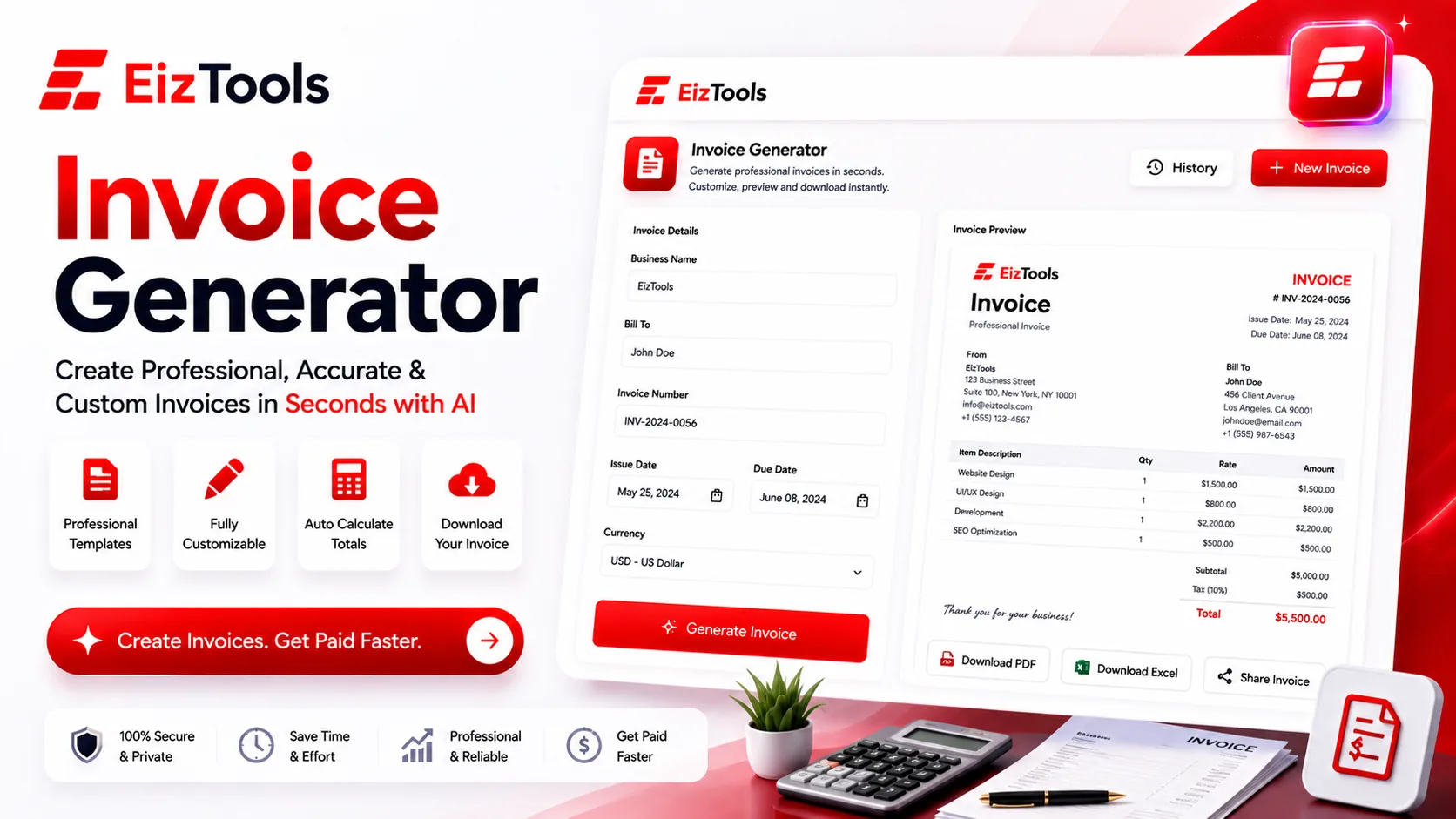
Short answer: Invoice Generator is a free EizTools tool that turns your job details into a written invoice, with the line items, totals and payment terms laid out in a clean structure you can copy or download.
What is Invoice Generator?
The Invoice Generator writes the invoice document from the details you give it: what the work was, what it costs, who it is for and when payment is due. You get back a structured invoice ready to be copied into your own layout or downloaded as a file.
It is aimed at people billing without an accounts department: freelancers, sole traders, small agencies and anyone who invoices occasionally enough that the format is never quite committed to memory.
Important This writes the document. It is not accounting software. It does not calculate tax for your jurisdiction, store your records or track payments. Check every figure yourself, and follow your local rules on what an invoice must legally show.
What Every Invoice Needs
Missing details are the usual reason an invoice sits unpaid, because the client's finance team cannot process it and nobody tells you.
- ✅ A unique invoice number and the date it was issued
- ✅ Your business name and contact details, and theirs
- ✅ A line for each item, with quantity, rate and amount
- ✅ Subtotal, any tax, and the total due in the right currency
- ✅ Payment terms, the due date, and how to pay
- ✅ A purchase order or reference number, if the client uses them
How Does Invoice Generator Work?
- Type the job details into the prompt box: client, work done, amounts, dates.
- Pick a model from the selector.
- Set the output type, tone, length and audience in the advanced options.
- Generate. The invoice appears in the output card, structured and ready to check.
- Download it as Word or HTML, or copy it into the template you already use.
- Reopen last month's version from the activity history when the same client books again.
Give it every number. If you leave the rate out, the document comes back with a gap where the money should be, and filling gaps by hand is the work you were trying to avoid.
Settings That Suit Invoicing
| Option | What it changes | Suggested start |
|---|---|---|
| Output Type | Structure, from Concise to Template and Professional | Structured. Invoices are read by someone looking for one number |
| Tone and Style | How the covering wording reads | Professional or Neutral. Personality belongs in the email, not the invoice |
| Length | Short through Detailed | Short, unless the job needs itemised phases explained |
| Focus and Audience | Who it is written for | Clients for most work, Managers when it goes through an internal approver |
Switches let you add examples, enforce a clear structure, pull out key points and include metrics. Put your standard payment terms and bank details in the custom instructions field so they appear on every invoice you generate.
EizTools is a free AI tools platform aimed at the admin that eats a small business owner's week. Free, no account, no quota, and you choose the AI model that drafts each document. The document that comes before this one, the pitch that won the job, is handled by the Freelance Proposal Draft tool.
Frequently Asked Questions
Is Invoice Generator free?
Yes. No account, no credits and no daily limit. Generate and download as many invoices as you need to send.
Does it calculate tax?
Treat every total as something you must verify. Tax rules differ by country and by what you sell, so do that arithmetic yourself before sending.
Can I download it as a Word file?
Yes. Word, TXT and HTML are all available, and the result copies to the clipboard for pasting into an existing template.
Does it store my invoices?
Only in the activity history for the current session, which is a convenience rather than a record. Save every invoice you send to your own files.
Can I use it for recurring monthly billing?
Yes. Reopen last month's invoice from the history, change the dates, the reference and the line items, and generate the new one from that.
Invoices are not hard, they are just annoying, and annoying tasks are the ones that slip. The value here is removing the excuse: the document takes a minute, so it goes out the day the work finishes rather than the week after. Enter the job details above and send it while the client still remembers the project.

Sabir Bepari
Founder of EizTools and a passionate AI enthusiast dedicated to building practical, user-friendly AI tools that simplify everyday tasks.
Follow EizTools
New AI tools, practical tips and product updates — straight to your feed.

