


















Freelance Proposal Draft
Pro proposal generator
 gpt-4o-mini


Your prompt will appear here…
Your beautifully formatted article will appear here once you generate.
No history yet
Your generations will appear here. Sign in to save them permanently.
Have you ever lost a job to someone whose work was worse than yours? Did their proposal arrive the same day while yours was still a document you meant to finish? Freelancers rarely lose on skill. They lose on the eight hours between the enquiry and the reply, and on proposals that list services instead of solving the client's problem.
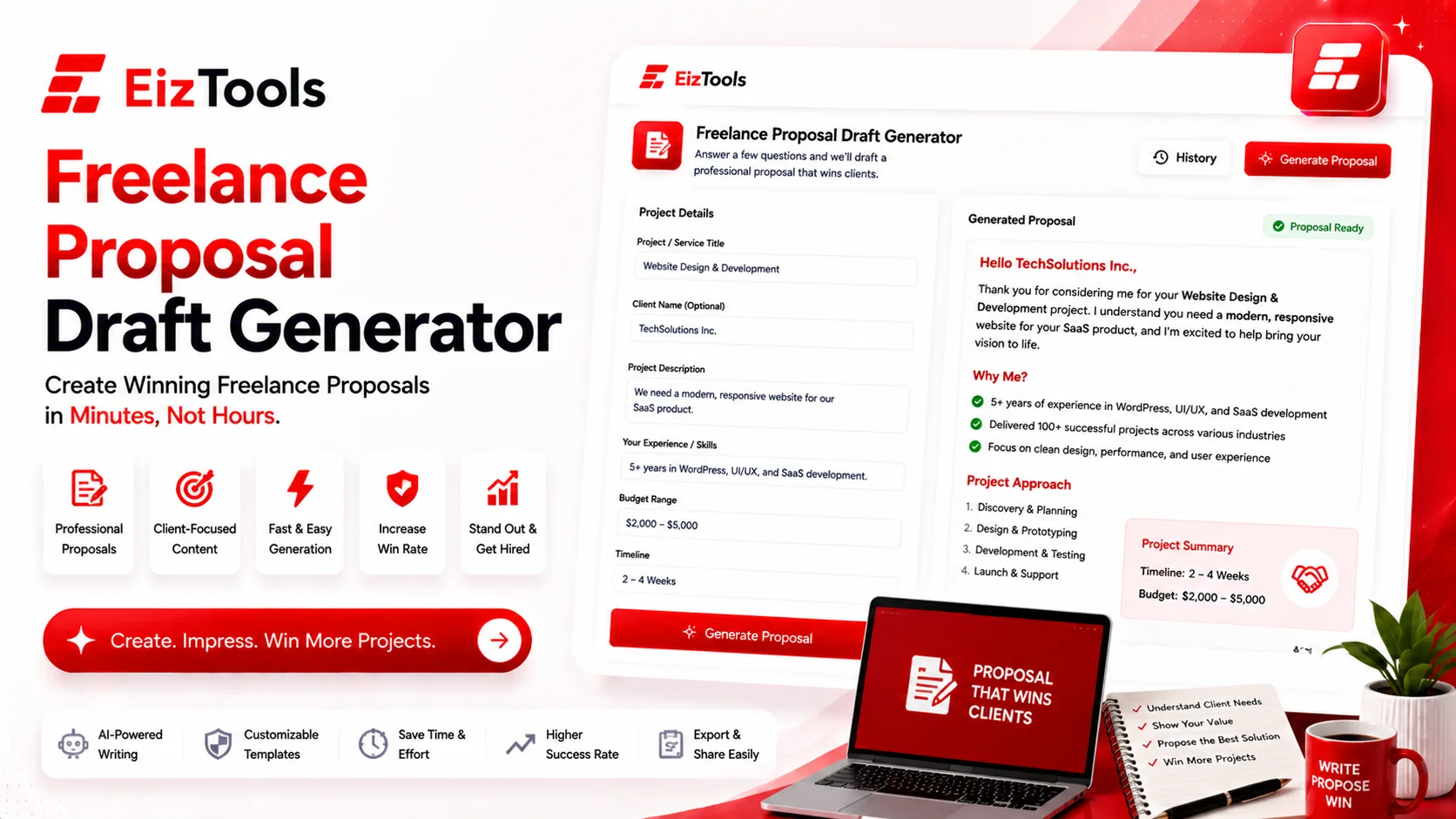
Short answer: Freelance Proposal Draft is a free EizTools tool that turns a client brief into a written proposal. You set the length, tone, point of view and format, and get a draft covering the problem, the approach and the next step.
What is Freelance Proposal Draft?
The Freelance Proposal Draft tool writes the document you send after a discovery call. You paste the brief, or your notes from the conversation, and it returns a structured proposal you can edit and send.
It is aimed at the independent side of the work: designers, developers, writers, consultants and agencies of one, where nobody else is going to draft the document for you and every hour spent on it is unpaid.
What A Proposal Has To Do
A proposal is not a price list. It has one job, which is to show the client you understood the problem before you talk about your process.
- Restate the problem in their words, so they know you listened.
- Describe the outcome, not the tasks. Clients buy the result.
- Show the shape of the work, in phases they can follow.
- Name the next step, with a date, so the document does not end in silence.
Important The draft will not know your rates, your availability or your contract terms. Put pricing and scope limits in yourself, and read every line before sending. A generated promise is still a promise once the client has it in writing.
How Does Freelance Proposal Draft Work?
- Paste the brief or your call notes into the prompt box. Include what the client said they wanted.
- Pick a model from the selector.
- Set the length, tone, point of view and format in the advanced options.
- Generate. The proposal appears with a word count and a reading time.
- Download it as Word to finish in your own template, or copy it into an email.
- Reopen an earlier draft from the activity history when a similar job comes in.
That last point is the quiet time saver. Most freelancers pitch the same three or four kinds of work, so a proposal you liked in March is a strong starting point in June.
Settings And What They Change
| Option | Effect on the draft | Suggested start |
|---|---|---|
| Length | Short through Detailed | Medium. Long proposals get skimmed, short ones look thin |
| Tone | Confident, Professional, Friendly, Persuasive and more | Confident for new clients, Friendly for repeat ones |
| Point of View | First, second or third person | First person. You are one person, and pretending to be a firm rarely helps |
| Format | Paragraph, headed sections, bullets, Q and A, article or story | Sections with Headings, so the client can jump to the part they care about |
Switches add examples, a call to action, markdown formatting and a natural voice pass. The custom instructions field is the right place for your process, your usual timeline, and anything you always include.
EizTools is a free AI tools platform that independents lean on for the paperwork around the work. No account, no credits, no daily limit, and you decide which AI model runs each draft. Once the work is agreed, the Invoice Generator handles the billing document without you rebuilding a template from scratch.
Frequently Asked Questions
Is Freelance Proposal Draft free?
Yes. No account, no credits, no daily cap. Draft as many proposals as you have leads.
Will it set my prices?
No, and it should not. Add pricing yourself. What it does is write the sections around the number, which is the part that takes the time.
How long should a freelance proposal be?
Long enough to show you understood the brief, short enough to read in one sitting. The Medium setting lands there for most projects under three months.
Can I reuse a draft for a similar client?
Yes, and the history panel makes that easy. Change the restated problem every time, because that section is what makes it feel written for them.
What should I paste into the prompt?
The client's own words wherever possible. Their description of the problem produces a far better proposal than your summary of it.
The proposal that arrives first, in plain language, naming the client's actual problem, wins more often than the beautiful one that arrives on Friday. Getting the draft out of the way in ten minutes is what makes that possible. Paste your brief above, pick a tone, and send the proposal today rather than at the weekend.

Sabir Bepari
Founder of EizTools and a passionate AI enthusiast dedicated to building practical, user-friendly AI tools that simplify everyday tasks.
Follow EizTools
New AI tools, practical tips and product updates — straight to your feed.

