

















Invoice Generator
Professional invoices in minutes
 NVIDIA: Nemotron 3 Ultra (free)





Your prompt will appear here…
Your beautifully formatted article will appear here once you generate.
No history yet
Your generations will appear here. Sign in to save them permanently.
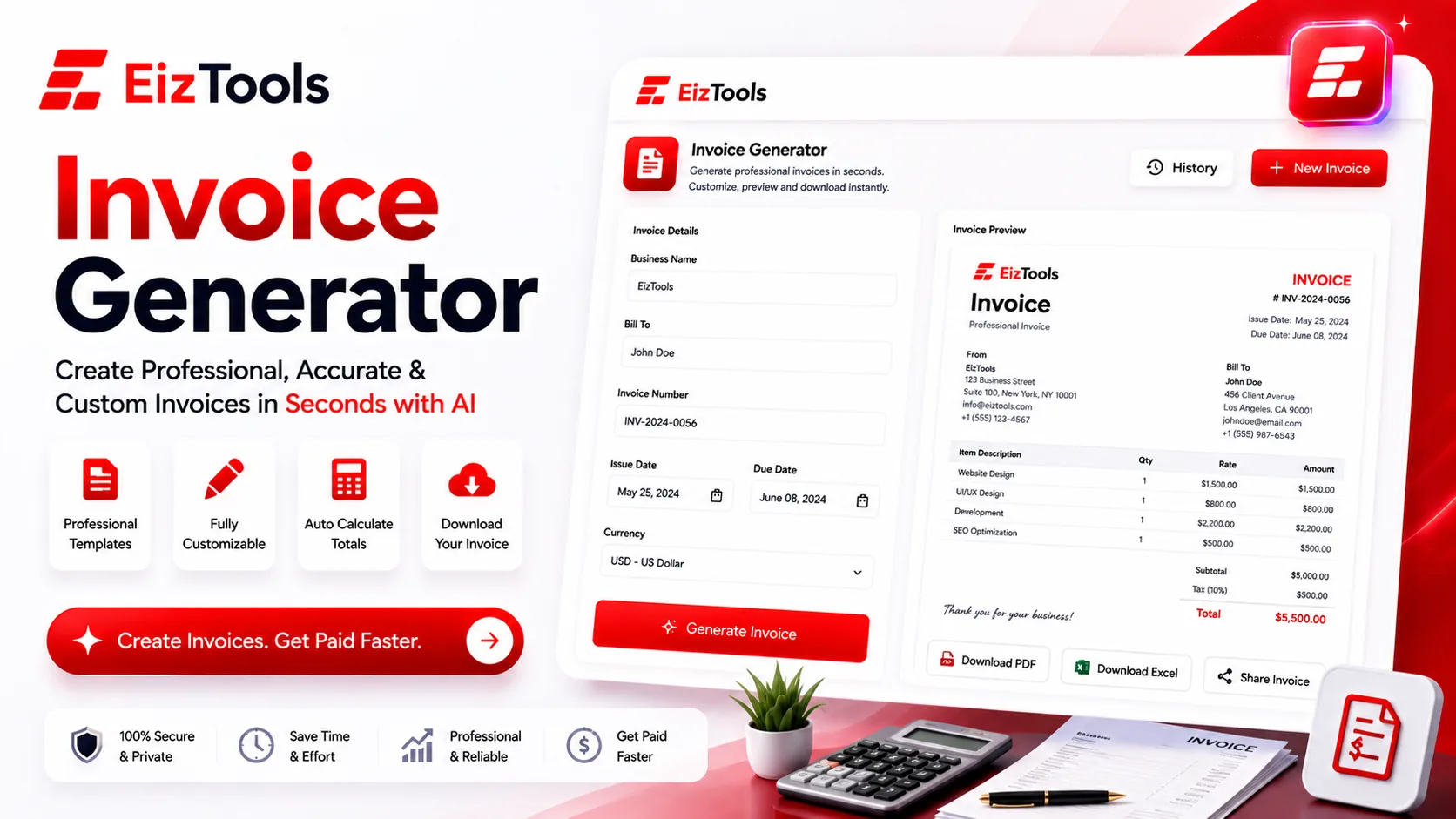
An invoice is the last thing standing between finished work and money in your account, yet it's the document most freelancers throw together fastest. A missing due date, a vague line item, or no invoice number, and a client has every excuse to file it under "later." The Invoice Generator exists to close that gap: it turns your details into a clean, itemized invoice that leaves no question about what's owed, by when, and how to pay it.
This guide walks through what a professional invoice must contain to actually get you paid, why each piece matters, and how the Invoice Generator handles it so nothing slips through.
Why the small details decide when you get paid
Late payment is rarely malice. More often it's friction — an invoice that's hard to read, easy to misplace, or missing the one number the client's accounts team needs to process it. Every field you leave blank becomes a reason for someone to set your invoice aside and move on. Fill them in properly and you remove the excuses, shorten the back-and-forth, and look like a business worth paying promptly.
The good news is that a complete invoice isn't harder to make than a sloppy one — it just follows a checklist. Cover the same fields every time and getting paid becomes routine rather than a negotiation.
The checklist: what every professional invoice must include
Think of the items below as non-negotiable. Skip one and you invite a delay; include them all and your invoice reads as complete, trustworthy, and ready to pay.
Who the invoice is between
- A unique invoice number. It's how both sides track, reference, and reconcile a payment — and how you stay organized at tax time. The Invoice Generator assigns a clear, sequential number so no two ever collide.
- Your business details. Name, address, email, and any tax or registration ID belong at the top, so the client knows exactly who to pay and where to send questions.
- The client's details. Addressing the invoice to the right person or department is often what gets it into the payment queue instead of an inbox black hole.
What they're paying for
- Itemized line items. A plain description of each service or product — "Homepage redesign," not "design work" — tells the client what they bought and heads off disputes before they start.
- Quantities, rates, and line totals. Showing hours or units against a rate makes your math transparent — and the tool multiplies and totals each row for you, so the figures always add up.
- Subtotal, tax, and grand total. Break out the subtotal, apply the right tax rate, and show the final amount clearly. Rolling everything into a single figure invites questions; itemizing it builds trust.
When and how to pay
- An issue date and a due date. "Net 30" means nothing without the dates to anchor it, and a concrete due date is the single biggest lever you have on getting paid on time.
- Payment terms. Spell out the window, any early-payment discount, and late fees if you charge them. Clear terms set expectations and give you standing if a payment slips.
- Accepted payment methods. Bank details, a payment link, or whatever you take — the easier you make paying, the sooner it tends to happen.
Details that quietly get you paid faster
A short note — a thank-you, a project reference, or a nod to the agreed scope — adds a human touch and can gently reinforce the deadline. Consistency helps too: when every invoice you send shares the same layout, numbering, and tone, clients learn to recognize and trust them at a glance. Appearance carries weight as well, since a tidy, well-aligned invoice suggests the work behind it was just as careful. The Invoice Generator handles the formatting so your figures land exactly where an accounts team expects to find them.
Where the invoice fits in your wider paperwork
An invoice usually isn't the first document a client sees, and it's rarely the last. Before the work begins you often have to win it, and a clear, itemized scope built with the Proposal Generator sets the same professional tone your invoice will later confirm. Once projects wrap and payments arrive, folding those numbers into a monthly or quarterly summary with the Business Report Generator turns a stack of invoices into a real picture of how your business is doing. Tools that share a visual language keep your paperwork coherent from first pitch to final receipt.
Start your first invoice
You don't need accounting software or a design background to send an invoice that looks the part. Work through the checklist above, let the Invoice Generator take care of the layout and the math, and you'll produce documents that are clear, complete, and genuinely hard to set aside. The checklist does the thinking; you just fill in the specifics for each client. Fewer chasing emails, faster payments, and a paper trail you can stand behind — that's what a well-built invoice earns you.

Sabir Bepari
Founder of EizTools and a passionate AI enthusiast dedicated to building practical, user-friendly AI tools that simplify everyday tasks.
