


















Apology Email Writer
Say sorry with sincerity
 gpt-4o-mini


Your prompt will appear here…
Your beautifully formatted article will appear here once you generate.
No history yet
Your generations will appear here. Sign in to save them permanently.
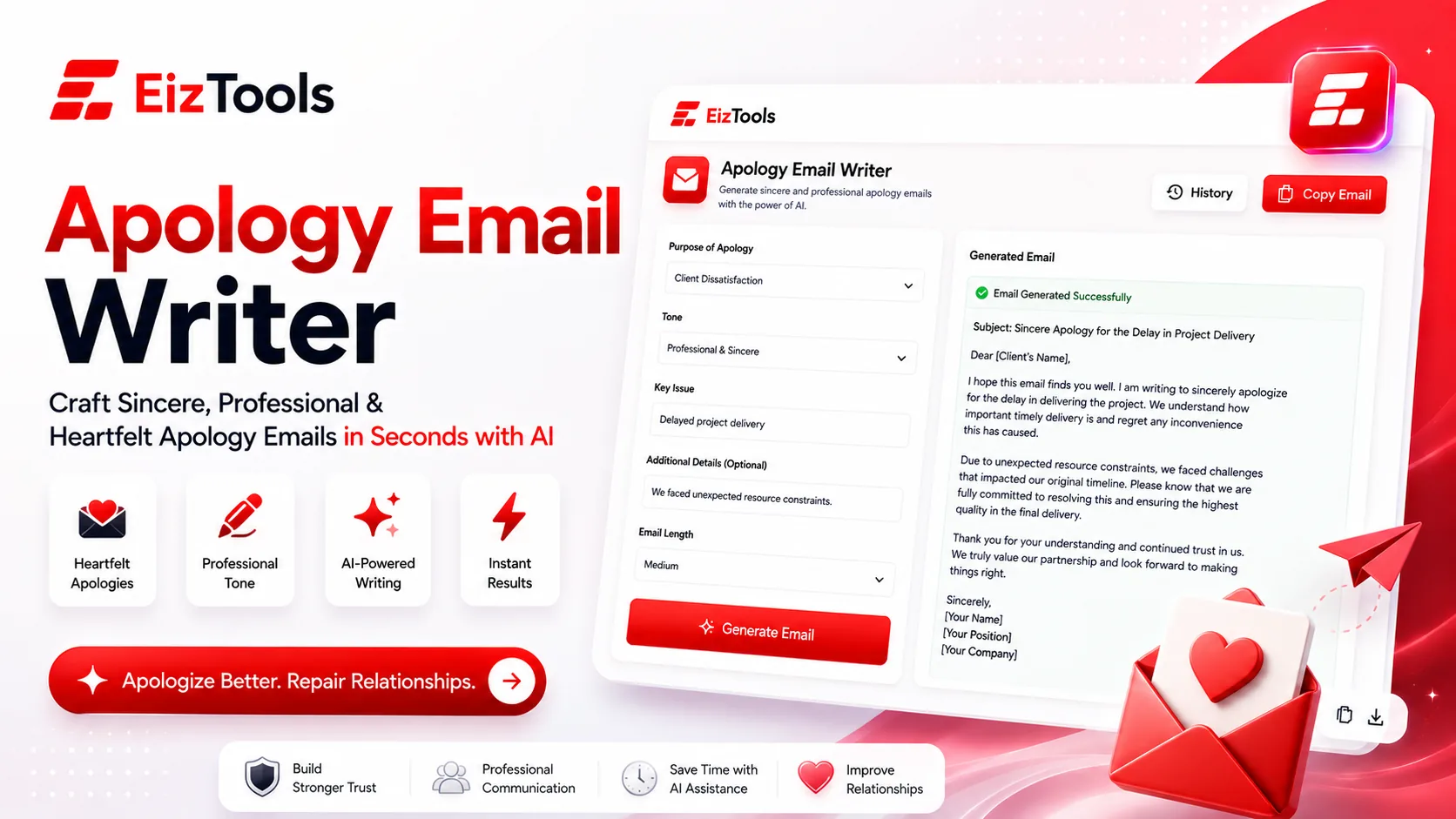
Have you ever owed someone an apology and deleted three drafts before lunch? Do you worry that saying sorry too plainly makes you look careless, while saying it too carefully makes you look slippery? Every hour that draft sits unsent, the silence does more damage than the original mistake did.
Short answer: Apology Email Writer is a free EizTools tool that turns a short note about what went wrong into a finished apology email. You pick the situation, the tone, the length and the closing request, then generate.
What is Apology Email Writer?
The Apology Email Writer is a workspace built for one job: the email you send after something went wrong. You describe the situation in plain words, set a few options, and get back a full message with a greeting, an acknowledgement, an explanation and a next step. It is not a general chat box. The options are built around the way apologies actually fail, which is why it asks what kind of problem happened before anything else.
Tone you control
Ten tones, from Empathetic to Formal. The same facts read very differently to a customer and to a board member.
Situation aware
Billing Error and Shipping Delay produce different structures, because the reader needs different information.
Finished, not a template
You get a sendable draft with a real closing line, not a skeleton full of brackets.
How Does Apology Email Writer Work?
The whole flow sits on one screen, so nothing is hidden behind a wizard.
- Type what happened in the prompt box. Two or three honest sentences are enough.
- Pick a model from the selector. Any of them will write a solid apology.
- Open the advanced options and set the situation, the tone and the length.
- Press Generate. The draft appears with a word count and a reading time.
- Copy it, listen to it read aloud, or download it as TXT, Word or HTML.
- Reopen an earlier version from the activity history below the result.
Listening to it is worth ten seconds. An apology that looks fine on screen often sounds defensive out loud, and that is the version your reader hears.
Four Settings That Change The Result Most
| Option | What it controls | Where to start |
|---|---|---|
| Apology Type | The shape of the email, from Delay and Missed Reply to Billing Error and Outage | The one that matches your facts, because it decides what gets explained |
| Apology Tone | How the sorry lands, across Empathetic, Accountable, Humble and Professional | Accountable for your own mistake, Empathetic when the reader was inconvenienced |
| Length Control | Short through Comprehensive | Short. Long apologies read as excuses more often than short ones do |
| Call-to-Action Focus | How firmly the closing asks for the next step | Soft or Polite, unless you genuinely need a decision today |
Switches for the greeting, the closing request, your brand voice and a natural tone pass sit alongside them. Use the extra context field for anything the reader already knows, such as an order number or the date of the failed call.
Before You Hit Send
- ✅ The first line names what went wrong, not how busy you were
- ✅ There is one clear next step, with a date on it
- ✅ Nothing in the message blames the reader, even gently
- ✅ The sign off matches how you normally talk to this person
Caution Read every draft before sending. The tool writes what you told it, so if the message promises a refund you have not approved, that promise is now in writing.
EizTools is a free AI tools platform, and every tool on it is genuinely free: no account, no credits, no daily cap. You also pick which AI model writes the reply, since a different engine sometimes finds a better sentence. If the draft is close but the wording feels stiff, pass it through the Content Rewriter to soften it, then send.
Frequently Asked Questions
Is Apology Email Writer free to use?
Yes. There is no account wall, no credit counter and no daily quota. Open the page, write your situation and generate as many versions as you need.
Will it sound like a robot wrote it?
Not if you give it real detail. Generic input produces generic output. Name the actual failure, the actual date and the actual fix, and the draft reads like a person wrote it.
Can I use it for a customer complaint reply?
Yes. Choose Service Failure or Defective Product, keep the tone Empathetic and the length Short. That combination handles most support replies well.
What if I am apologising to my boss instead of a customer?
Set the tone to Accountable and the call to action to Direct. Internal apologies land better when they end with what you will do differently, not with a request for forgiveness.
Can I save the email as a file?
Yes. Every result downloads as TXT, Word or HTML, and copies to the clipboard in one click. Recent generations stay in the history panel for the session.
An apology only works while the other person still cares about the answer. That is the real argument for drafting it here: the writing stops being the reason you delay. Describe the situation honestly, match the tone to the relationship, and you have a sendable message in under a minute. The tool is directly above this article, so open the options and get that email out of your drafts folder today.

Sabir Bepari
Founder of EizTools and a passionate AI enthusiast dedicated to building practical, user-friendly AI tools that simplify everyday tasks.
Follow EizTools
New AI tools, practical tips and product updates — straight to your feed.

