

















Text Summarizer
Shorter reads, clearer ideas
 NVIDIA: Nemotron 3 Ultra (free)





Your prompt will appear here…
Your beautifully formatted article will appear here once you generate.
No history yet
Your generations will appear here. Sign in to save them permanently.
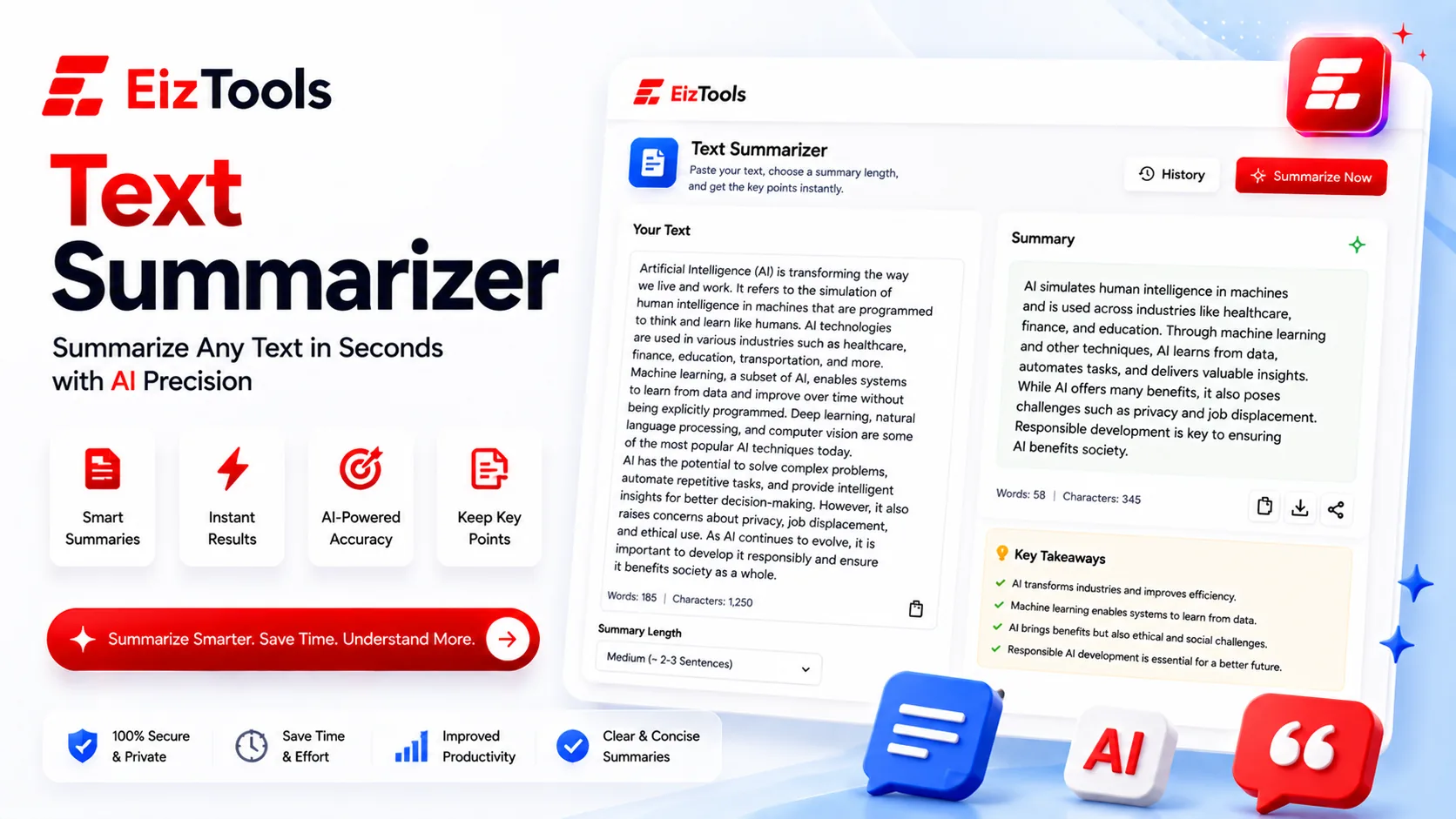
There is a particular kind of pressure in a reading pile that is bigger than the hours you have to clear it. A Text Summarizer is the tool you open in that moment: paste in something long, get back a short version that keeps the point and drops the padding. It will not think for you, and it is no substitute for judgment on anything that truly matters. But for the daily flood of reports, papers, threads, and notes, it buys back time. Here is where people actually reach for it, and how to get a summary you can trust.
The dense report you have to present in an hour
A forty-page quarterly report lands in your inbox at one o'clock. You are presenting it at two. You do not need every footnote and appendix; you need the handful of findings, the number that moved, and the recommendation you will be asked to defend. Dropping the whole document into the Text Summarizer and reading the condensed version first tells you where to look, so the forty minutes you have left go to the three pages that matter instead of the thirty-seven that don't.
Ask for the shape you need
A vague request gets a vague result. "Summarize this" returns a bland paragraph; "list the five key findings and any figure that changed by more than ten percent" returns something you can carry into the room and speak to. The tool follows direction well, so treat the instruction as part of the input, not an afterthought you tack on at the end.
A stack of research papers during a lit review
Anyone who has run a literature review knows the tab problem: thirty papers open, each several thousand words, and most only glancingly relevant to the question you are actually asking. Reading all of them in full is how a week quietly disappears. Summarizing the abstract and introduction of each one gives you its core claim and method in a few lines, which is usually enough to sort the papers you must read closely from the ones a single citation will cover.
Once you have mapped what the field already argues, you can see the space your own work occupies. That is where the Research Paper Introduction Writer takes over: it helps you position your contribution against the landscape you just summarized. One tool clears the underbrush; the other plants your flag in the clearing.
The thread that ballooned to forty-seven replies
You were copied on a thread on Tuesday, glanced away, and came back Thursday to forty-seven replies, two reversed decisions, and a single action item addressed to you buried somewhere in the middle. Reading it top to bottom rewards nobody. Paste the thread in and ask a direct question — what was decided, and what am I now responsible for — and the summary surfaces the two lines you needed out of the fifty you didn't.
Treat that answer as a map rather than the territory. For anything with teeth, a commitment you are making or a deadline you will be held to, jump to the original message the summary points at and read those exact words yourself. The summarizer is there to find the paragraph fast, not to let you skip the one sentence that could bite.
A textbook chapter, turned into study notes
An exam is a week out and the chapter is thirty pages of dense prose. What you want to revise from is not thirty pages but one: the definitions, the mechanism, the two examples that make it click. Running a chapter on, say, cellular respiration through the Text Summarizer strips it to that revisable core, giving you notes you can reread in five minutes instead of fifty.
Notes are a scaffold, not the learning
The catch is that condensing a chapter is not the same as understanding it. Use the summary as a frame, then earn the knowledge by testing yourself against the full text and hunting for whatever the compression quietly dropped. The best results come from generating the notes and then closing the book to see how much you can rebuild from memory.
When a summary becomes raw material
Sometimes you condense a source not to read less but to build something new out of it. You interview three customers, end up with an hour of transcript, and want a short article out of the conversation. Summarizing each interview down to its strongest quotes and recurring themes gives you a set of points that can serve as the outline for a draft you develop with the Blog Writer. The summary does the distilling; the writer does the shaping.
Getting a summary you can trust
Across every one of these situations, the same few habits separate a summary that helps from one that quietly misleads.
- Say what you are after — decisions, action items, the central argument — rather than asking for a generic overview.
- Set a length. "In five bullets" or "in one tight paragraph" decides how much nuance survives the cut.
- Keep the original within reach and verify anything load-bearing against it; a summary that lost the one caveat that mattered is worse than none at all.
- Watch for flattening. Summaries tend to smooth over disagreement and hedge words, so if the source was uncertain, check that the uncertainty carried through.
Seen this way, a Text Summarizer is less a shortcut than a triage tool. It tells you what a document is about and where its important parts live, so your limited attention lands on the passages that actually repay it. The goal was never to stop reading. It was to read the right things.

Sabir Bepari
Founder of EizTools and a passionate AI enthusiast dedicated to building practical, user-friendly AI tools that simplify everyday tasks.
