

















Content Rewriter
Sharper drafts, same meaning
 NVIDIA: Nemotron 3 Ultra (free)





Your prompt will appear here…
Your beautifully formatted article will appear here once you generate.
No history yet
Your generations will appear here. Sign in to save them permanently.
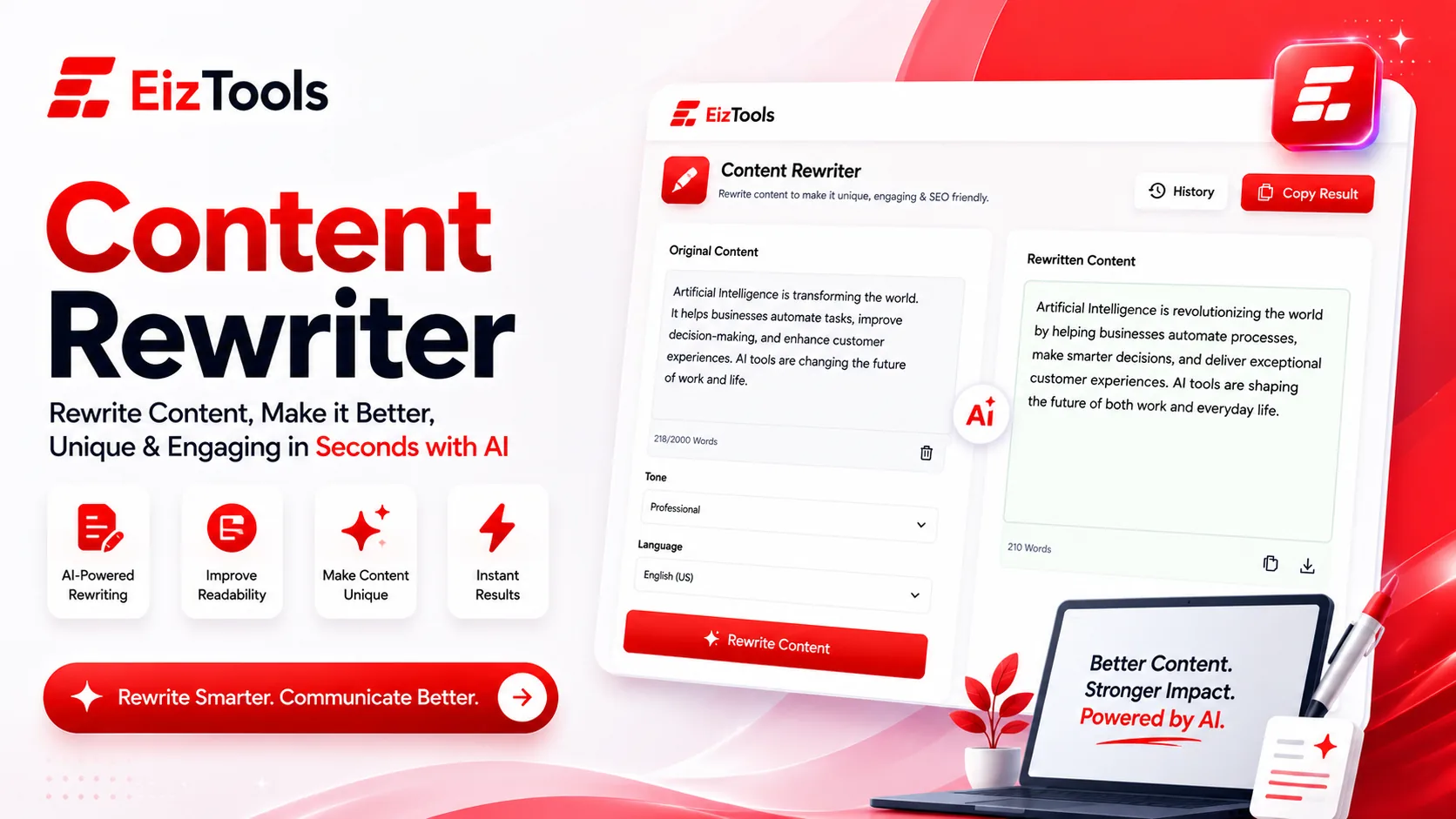
You often know a sentence is wrong the moment you finish typing it. It says the thing, technically, but the rhythm is off, a word repeats three lines up, and the tone lands stiffer than you meant. So you sit there, cursor blinking, swapping one word for a synonym that's slightly worse, then swapping it back. That small, familiar stall is exactly what the Content Rewriter is built to end. Paste the passage, tell it what you want — clearer, warmer, tighter, more formal — and it hands back a fresh version that still means what you meant.
Why rewriting by hand stalls out
Rewriting your own words is oddly harder than writing them the first time. On the first pass you have momentum; on the rewrite you have a fixed target and a nagging sense that a better version exists just out of reach. So you open a thesaurus and start hopping — "important" becomes "crucial" becomes "pivotal" becomes "important" again — and twenty minutes later the paragraph reads the same, only more tired. Read a sentence enough times and the words stop registering; you lose the thread of what you were trying to say and start editing for the sake of editing.
Then there's the tone problem. A message that needs to soften for a client, or firm up before a deadline, asks you to re-feel the whole thing and rebuild it word by word. Do that across an email, a landing page, and three product blurbs and the afternoon is gone. Manual rewriting isn't hard because you lack the words — it's hard because holding the meaning steady while you change everything around it is genuine mental work.
By hand versus in seconds
Put the two approaches side by side and the difference is less about vocabulary and more about where your effort goes.
| Rewriting by hand | With the Content Rewriter |
|---|---|
| Hop through a thesaurus one word at a time | The whole sentence is recast at once, in context |
| Reread until the meaning blurs and you lose the thread | The original point is held steady while the wording changes |
| Rebuild the tone by hand for every new audience | Ask for warmer, firmer, or more formal and get it in one pass |
| Second-guess whether the new version is actually better | Compare fresh options and keep the one that fits |
The tool isn't smarter than you about your subject — it just removes the friction between knowing a line is off and finding the line that isn't.
Keeping the meaning while the words change
Paraphrasing well is a balancing act. Swap too little and you've merely shuffled synonyms; swap too much and the point drifts somewhere you didn't intend. The Content Rewriter aims for the middle: it re-expresses your idea in different structure and phrasing while preserving what you actually claimed. That's the part manual editing gets wrong most often — in the hunt for fresh wording, a quiet qualifier goes missing, "most" quietly becomes "all," and suddenly the sentence promises more than you can back up.
It also treats tone as a dial rather than a full rewrite. The same paragraph can come back plain-spoken for a general reader, crisp for a busy executive, or friendly for a newsletter, without you rebuilding it three separate times. You choose the direction; the meaning rides along unchanged.
When you'll actually reach for it
Some moments call for a rewrite more than others. A cover letter that reads like everyone else's and badly needs a voice of its own. A support reply that's accurate but blunt, and would land better softened. A product description copied from a supplier that has to sound like your brand, not theirs. A paragraph you're fond of that simply runs too long for the space it has to fit. In each case the ideas are already yours — the job is to say them better, and that's where a rewriter beats a blank page.
It's a quiet help when English isn't your first language, too. You can write the meaning plainly, ask for a version that reads more naturally, and then learn from the gap between the two drafts. Over time you start to hear the smoother phrasing before you type it.
Related writing tools
The Content Rewriter rarely works alone. Often the honest problem is that there's no draft to rewrite yet — the page is still blank. When that's the case, generate a first version with the Blog Writer, then run the rough patches back through the rewriter to sharpen the tone and trim the padding. The two fit together neatly: one gets words on the page, the other makes them sound like you.
The opposite problem shows up just as often — a passage that's simply too long to fix in place. Before you wrestle a wall of text into shape, feed it to the Text Summarizer to pull out the core points, then rewrite that tighter core into the voice you want. Cutting first and polishing second beats trying to do both in one exhausting pass.
Getting a cleaner rewrite
A little direction goes a long way. Rather than asking vaguely for something "better," name the change you're after — shorter, warmer, more formal, less repetitive — because a specific request earns a specific result. Give it a complete thought rather than a stray fragment, since the tool works best when it can see the whole point you're making. And read the output as an editor, not a rubber stamp: keep the phrasing that genuinely sings, put back any nuance that slipped out, and you'll finish with a version that's stronger than either you or the tool would have written alone.

Sabir Bepari
Founder of EizTools and a passionate AI enthusiast dedicated to building practical, user-friendly AI tools that simplify everyday tasks.
