

















Facebook Caption Generator
Captions that stop the scroll
 NVIDIA: Nemotron 3 Ultra (free)





Your prompt will appear here…
Your beautifully formatted article will appear here once you generate.
No history yet
Your generations will appear here. Sign in to save them permanently.
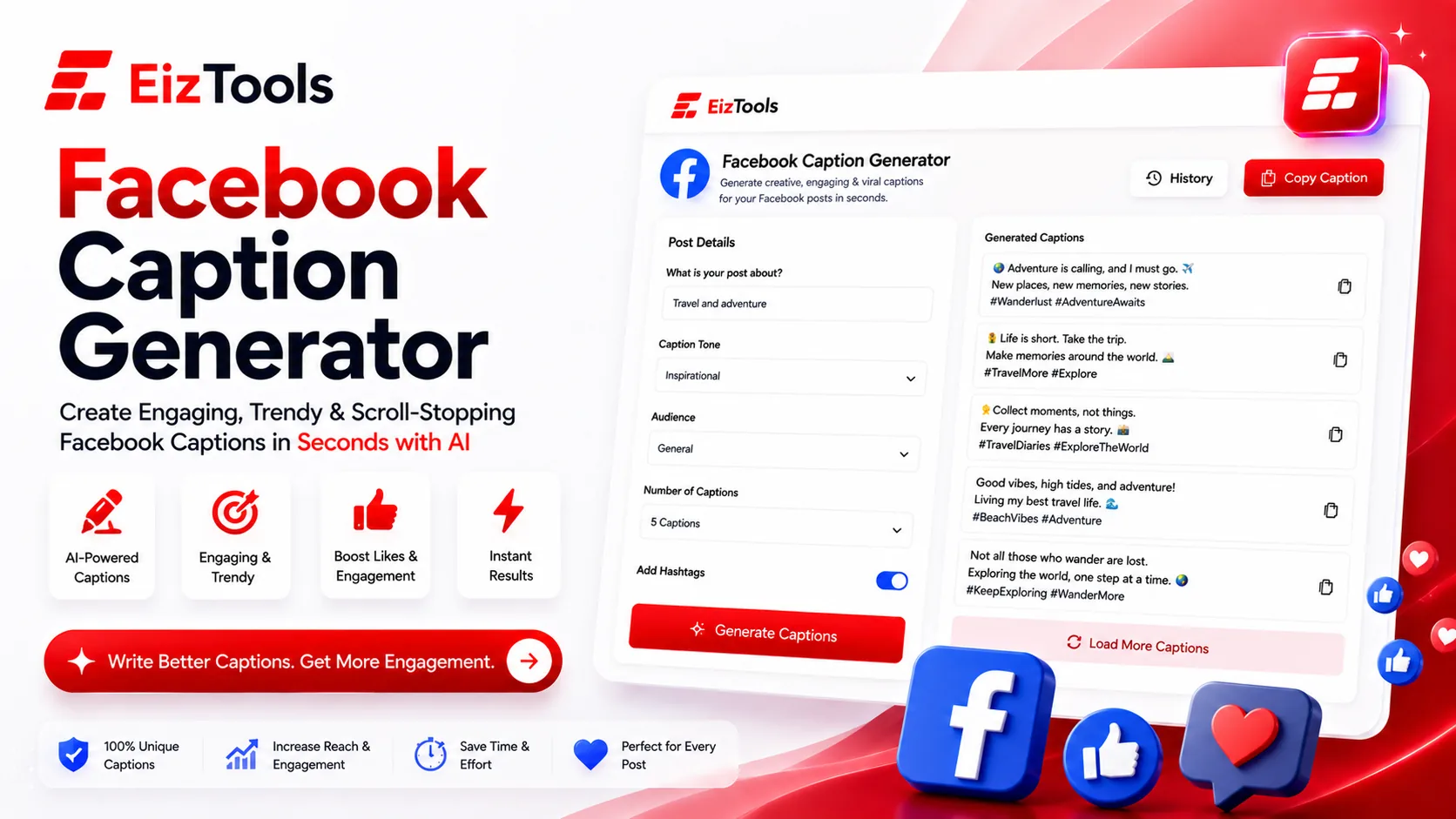
The feed moves like a firehose. Every caption you post is competing with a cousin's vacation album, a breaking headline, and three ads for the same pair of shoes — all in one thumb-flick. In that scroll, a caption has exactly one job: earn the half-second that turns motion into a stop. The Facebook Caption Generator is built for that job, writing captions for posts, promotions, and page updates that sound like a person wrote them, not a scheduler. But it works hardest when you aim it well, so here are the habits that separate captions people breeze past from captions people actually stop, read, and comment on — and how to pull each one out of the tool in seconds.
Win the first line or lose the post
Facebook tucks everything after the opening line or two behind a quiet "See more." If your first words are throat-clearing — "We're so excited to announce that today marks the beginning of..." — the good part is buried and the thumb has already moved on. Those first six to eight words carry the whole post. Lead with a bold claim, a specific number, a small cliffhanger, or a line that pokes a nerve: "This one habit is quietly killing your reach." Ask the Facebook Caption Generator for several hook-first versions of the same message, then read only the opening of each and keep the one that makes you want to tap. Front-load the payoff and let the setup wait its turn.
One caption, one idea
The fastest way to make a caption say nothing is to make it say everything. A bakery that crams a new croissant, a weekend sale, and updated hours into a single post leaves readers holding three half-thoughts and acting on none. Choose the one message that matters most today, and let the others take their own turn later in the week. Hand the generator one clear goal — "tease the new croissant, playful and short" — and it returns something focused instead of a pile-up of competing asks. A caption with one clean point always beats a crowded one, because the reader knows exactly what to feel and what to do next.
Give people a reason to comment
On Facebook, comments are currency. A post that starts a conversation gets pushed to more feeds, while a broadcast that asks for nothing quietly fades. So build an on-ramp into the caption instead of ending on a full stop.
Ask a question only your audience can answer
Skip "What do you think?" and get specific. A garden center closing with "What's the one plant you've absolutely given up on?" is easy to answer and weirdly irresistible — everyone has a doomed fern story. Prompt the Facebook Caption Generator to end on a real question and the comments start filling themselves.
Offer an easy either/or
A this-or-that lowers the effort to reply to almost nothing. "Team early riser or team night owl?" takes one word to answer, and every reply widens your reach. Fill-in-the-blanks and gentle hot takes work the same way: low friction going in, engagement coming out.
Match the call to action to the post
Not every caption should shout "Buy now." An awareness post wants a save or a share, a community update wants a reaction, and only a genuine promotion has earned the hard sell. When the ask fits the moment it feels natural; when it doesn't, it reads as pushy and people bounce. Tell the generator the post's real purpose and it shapes the closing line to suit — "tap the link for early access" for a launch, "tag a friend who needs this" for reach. And when that CTA does send people off Facebook to a sale or a sign-up, the destination has to keep the promise the caption made; a punchy line that drops readers onto a flat, confusing page wastes the click, which is exactly where a sharp Landing Page Copywriter pays for itself.
Season with emoji, don't drown in them
Emoji are seasoning, not the meal. One or two, placed on purpose, can add warmth, break up a block of text, or flag a list — a single 🔥 beside a genuinely good deal reads as quiet confidence. A caption wearing a dozen of them reads as a coupon nobody trusts. The test is simple: if an emoji is doing a job, like setting tone or guiding the eye, keep it; if it's just glitter, cut it. The generator places them with restraint by default, so you get personality without a caption that looks like it is trying too hard to be liked.
Make it yours, then keep one voice everywhere
Treat every caption as a strong first draft, not a final answer. Read it aloud, swap in your own slang, and delete any line that sounds like a brand instead of a human. Then hold that voice steady across your whole presence, because a follower who meets you on Facebook and then finds a stranger on your other profiles quietly stops trusting either one. If your Instagram reads like a different company wrote it, an Instagram Bio Generator can pull that profile back into the same tone your captions set here. When a post really matters, generate two different angles, run them a few days apart, and let comments and shares — not just likes — tell you which hook your audience prefers. Nail one recognizable voice, aim each caption at a single job, and give people a reason to stop and reply; the Facebook Caption Generator just gets you to that good draft faster.

Sabir Bepari
Founder of EizTools and a passionate AI enthusiast dedicated to building practical, user-friendly AI tools that simplify everyday tasks.
