


















Business Report Generator
Boardroom-ready reports fast
 gpt-4o-mini


Your prompt will appear here…
Your beautifully formatted article will appear here once you generate.
No history yet
Your generations will appear here. Sign in to save them permanently.
Who actually reads the reports you write? Does the person who asked for it need the full analysis, or three lines and a number? Reports go wrong long before the writing starts, usually because nobody decided who the reader was, and the result is ten pages that satisfy no one.
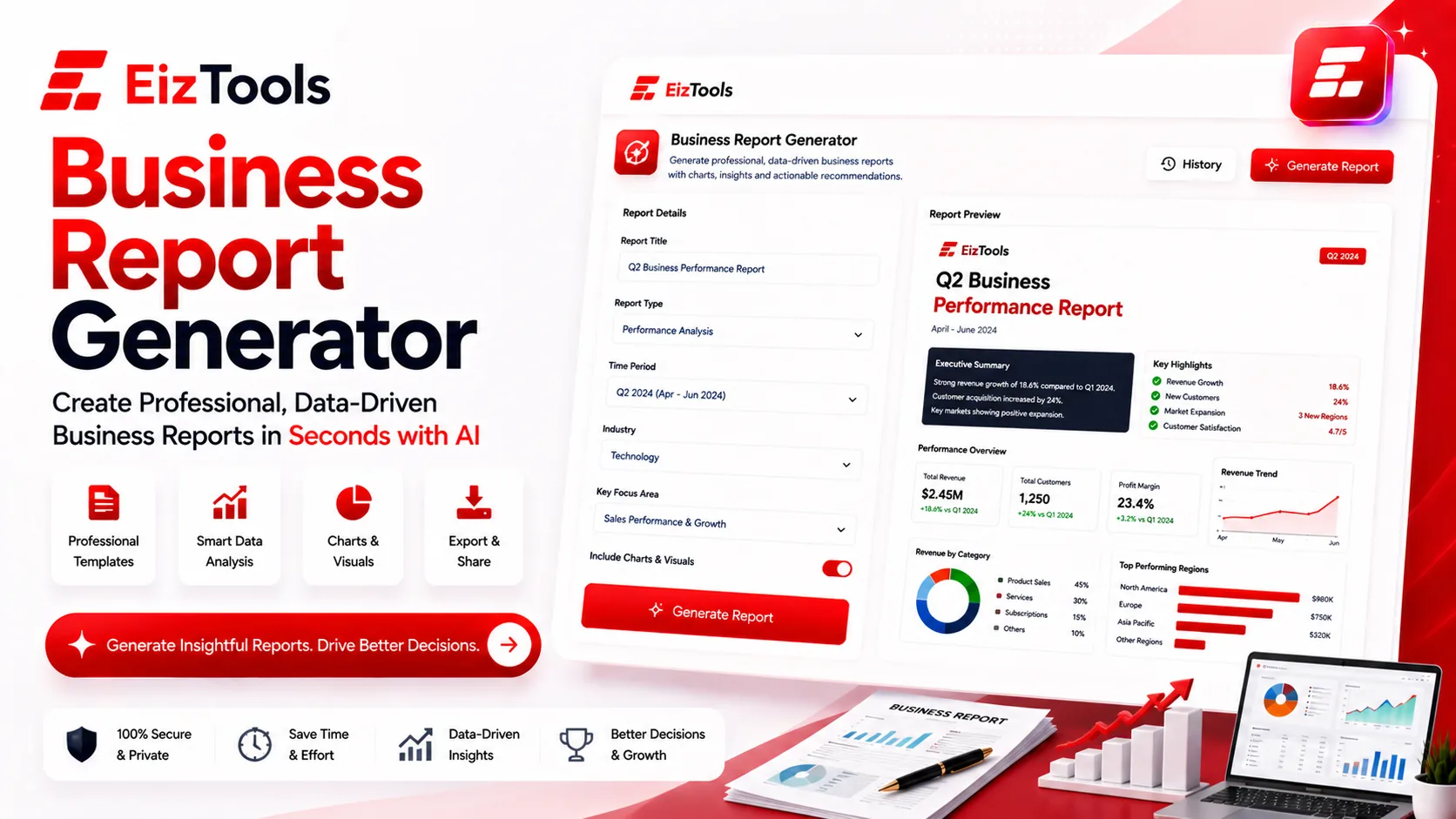
Short answer: Business Report Generator is a free EizTools tool that turns your notes and figures into a structured business report. You choose the report type, the tone, the length and the audience it is written for.
What is Business Report Generator?
The Business Report Generator takes what you already know, such as a month of numbers, a project update or a set of meeting notes, and organises it into a report with a clear structure.
What makes it useful is the audience setting. The same underlying facts become an investor update, a team status report or a client summary depending on who you say is reading. That single choice changes what leads, what gets explained and what gets cut.
How Does Business Report Generator Work?
- Paste your notes, figures or bullet points into the prompt box. Rough input is fine.
- Pick a model from the selector.
- Open the advanced options and set the output type, tone, length and audience.
- Press Generate. The report appears with a word count and an estimated reading time.
- Download it as Word, TXT or HTML, or copy it straight into your own template.
- Reopen an earlier version from the activity history if you need to compare two framings.
Write the input as if you were briefing a colleague in a hurry. Half sentences and raw numbers work perfectly well. The tool is doing the organising, so you do not need to write neatly first.
Writing For The Person Who Asked
The Focus and Audience setting is the one that changes the report most, so it is worth understanding before you generate.
| Audience | What the report leads with | Pair it with |
|---|---|---|
| Executives | The decision and the number behind it | Short length, Professional tone |
| Investors | Growth, risk and what changed since last time | Detailed length, metrics switched on |
| Team | What happens next and who owns it | Normal length, Friendly tone |
| Clients | Progress against what was promised | Normal length, Confident tone |
Output Type sets the shape, from Concise and Structured through to Template and Step-by-Step. Length runs Short to Detailed. Four switches control examples, clear structure, key points and metrics, and the custom instructions field is where you name the sections your company always includes.
Tip Turn Include Metrics on only when you have real numbers to give it. With no figures in the input, a metrics heavy report has headings waiting for data that does not exist, and you end up deleting them.
Where It Earns Its Place
Monthly updates
The report nobody wants to write, written from the same notes each month in a consistent shape.
Project status
Turn a messy stand up into a status report a stakeholder can read without a translator.
Handover documents
Capture what happened while it is fresh, before the detail leaves with the person who knows it.
EizTools is a free AI tools platform for people who write documents all week. No account is needed, nothing is counted against a quota, and you choose which AI model does the drafting. When the report needs a strategic section, the SWOT Analysis Generator covers the strengths, weaknesses, opportunities and risks in the same sitting.
Frequently Asked Questions
Is Business Report Generator free?
Yes. No account, no credits and no daily limit. You can generate and download as many reports as you need.
What do I need to give it?
Whatever you have. Bullet points, raw figures, notes from a call. The more specific the input, the less generic the report.
Can I download it as a Word file?
Yes. Every result downloads as Word, TXT or HTML, and copies to the clipboard for pasting into your own template.
Will it invent numbers I did not provide?
It should not, but check. Any figure in the output that you did not put in the input is a figure you need to verify before the report leaves your desk.
Can it write a report for a client rather than internal use?
Yes. Set the audience to Clients and the tone to Professional or Confident. That combination keeps the progress framing without the internal shorthand.
A report is a decision aid, not a record of effort. Once you decide who is reading and what they need to do next, the writing is mostly arrangement, and arrangement is exactly what this tool is for. Paste your notes above, name the audience, and get the report off your list before the meeting it was written for.

Sabir Bepari
Founder of EizTools and a passionate AI enthusiast dedicated to building practical, user-friendly AI tools that simplify everyday tasks.
Follow EizTools
New AI tools, practical tips and product updates — straight to your feed.

