

















Error Fixer
Debug code without the guesswork
 NVIDIA: Nemotron 3 Ultra (free)





Your prompt will appear here…
Your beautifully formatted article will appear here once you generate.
No history yet
Your generations will appear here. Sign in to save them permanently.
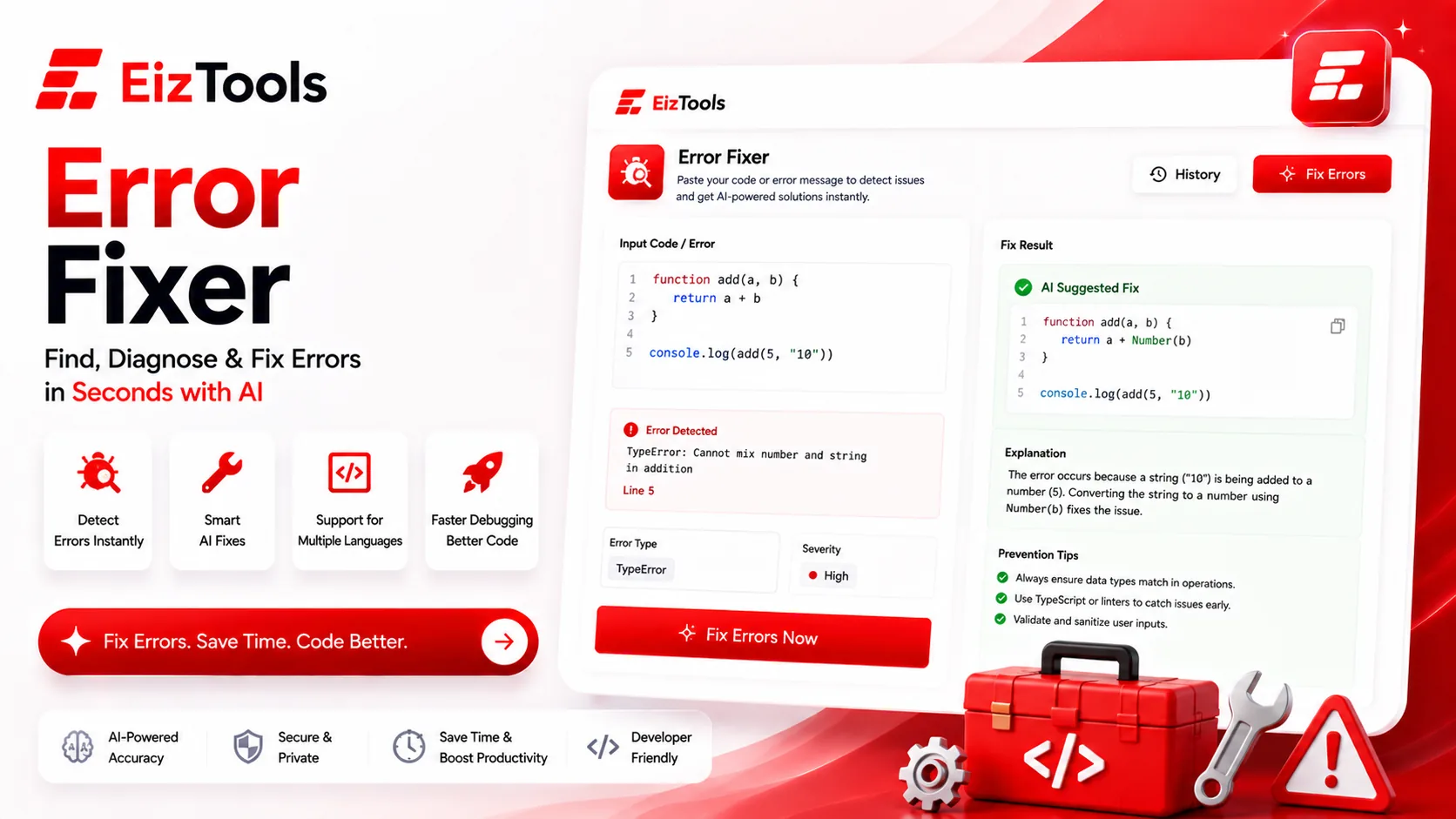
Every developer knows the moment: a red wall of text in the terminal, a stack trace that scrolls off the screen, a build that fails for reasons the compiler explains in a dialect only it seems to speak. The Error Fixer is built for that moment. You paste the error together with the code that triggered it, and you get back a plain-English account of what went wrong plus a concrete fix you can apply and re-run. Below are the questions developers actually ask before they trust a tool with a broken build.
What should I paste?
The quality of the diagnosis depends almost entirely on what you feed it. At a minimum, paste the complete error message — the exact text, not a paraphrase, including the exception type and any Caused by chain underneath it. Then add the code the trace points to. If it names a line, include the whole function around that line rather than the single line in isolation, because the real cause usually sits a few lines above where the program finally fell over.
Context that sharpens the answer
Small extra signals narrow things down fast. The language and runtime version, the framework in play, and a one-line note on what you expected to happen all help. A NullPointerException in Java and a null-safety complaint in Kotlin can look alike but resolve differently. If the failure only shows up sometimes, say so — intermittent crashes point toward race conditions or unhandled edge cases rather than a simple typo.
Runtime or compile-time?
Both, and they call for different reasoning. Compile-time and syntax errors are the friendlier class: a missing semicolon, a type mismatch, an unclosed bracket. These get spotted quickly, with the corrected line handed back to you. Runtime errors are harder, because the message describes a symptom rather than a cause. undefined is not a function in JavaScript rarely means a function is broken; far more often something upstream returned the wrong shape. A useful fix follows that chain backward, which is exactly why the surrounding code matters.
Why the wrong line?
Stack traces mislead more often than newcomers expect. The line a trace reports is where the error was thrown, not necessarily where the bad value was born — and those can sit far apart. Transpiled or minified builds report positions from generated code, so the number means little without a source map. Asynchronous calls fracture the trace across callbacks and promises, hiding the origin behind a scheduler. The Error Fixer reads a trace the way a seasoned engineer does: as a set of clues about where a faulty value entered, not a verdict about which line is guilty.
Does it explain the cause?
Yes, and that is the line between a real fix and a quick patch. Anyone can silence a message; making sure it never returns takes understanding. The explanation names the mechanism in words — say, that you are changing a collection while looping over it — so the fix addresses the cause instead of papering over the symptom.
for item in items:
    if item.expired:
        items.remove(item)   # RuntimeError: list changed size during iteration
Here the remedy is to loop over a copy or build a fresh list of survivors, and the explanation tells you why the loop tripped so you spot the pattern next time. Reading the reasoning is the part that quietly turns you into a better debugger.
Which languages are covered?
Coverage is broad — Python, JavaScript and TypeScript, Java, C#, Go, Rust, PHP, Ruby, shell scripts, and more, along with framework-specific errors from React, Django, Spring, Laravel, and Node. Because it reasons about the message and the code instead of matching against a fixed list of known strings, it also handles errors it has never seen verbatim, including ones raised by your own custom exceptions.
Some categories carry their own quirks. Database failures often come down to a malformed query, and if the cleanest fix is to rewrite the statement, you can generate a correct one from a plain description with the SQL Generator. Broken JSON is another repeat offender — a trailing comma, a misplaced brace, a key that should have been quoted — and when you need a valid structured payload to start from, the JSON Prompt Generator hands you well-formed JSON you can drop straight in.
Getting cleaner fixes
A few habits raise the hit rate. Tackle one error at a time, apply the suggested change, and re-run before moving to the next — cascading failures often collapse once the first domino falls. Keep your work under version control so you can try a fix and revert in seconds if it misbehaves. And read the explanation even when you are in a hurry; the ten seconds it takes to understand a cause is what stops the same bug reappearing in a slightly different disguise next week. Quick enough to use mid-flow, the Error Fixer turns a dreaded wall of red into a short, readable answer — and often into something you understand well enough to avoid twice.

Sabir Bepari
Founder of EizTools and a passionate AI enthusiast dedicated to building practical, user-friendly AI tools that simplify everyday tasks.
